What an editor needs in a usable brief
A completed video editor brief covering purpose, source footage, evidence, required shots and versions. Brief Shorts separately and review against agreed criteria.
In this article (8)
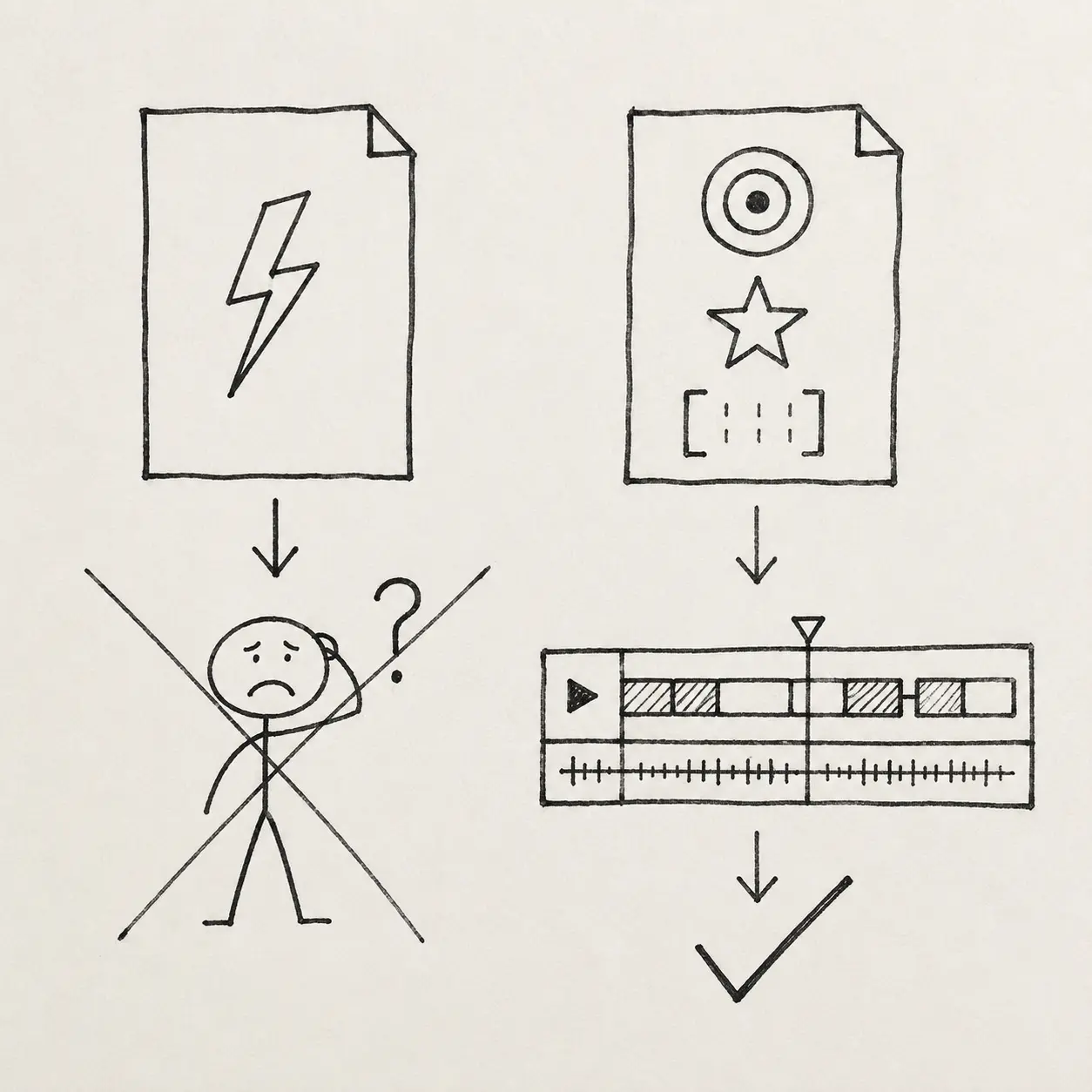
An editor can deliver a technically clean cut and still miss the point. They may speed through a moment that needs thought, place graphics over the main emotion or remove a repetition that was functioning as emphasis.
This happens when the brief describes a surface effect rather than the job of the scene: more dynamic, more premium, more modern, add memes. Every specialist translates those words differently.
The minimum for a usable brief
- Who is watching and in which situation.
- What the viewer should understand or feel in this section.
- Where the main proof sits.
- Which elements are mandatory: captions, sources, CTA or disclaimer.
- One or two references with an explanation of what is relevant.
- Who approves the cut and how many revision rounds are included.
I also explain what can change and what needs to stay. Preserving the point and the facts takes priority over decorative animation. A genuine reaction from the speaker may matter more than perfect pacing. Keeping a legal phrase accurate matters more than making it shorter.
With that brief, the editor can choose techniques and explain how they serve the section. The client can review against the same criteria. If preferences have changed, those changes can be discussed explicitly.
Before handing over footage, check words such as beautiful, premium and dynamic. Explain each with an action or example: which repetition to cut, where to keep a pause or which document needs a close-up. The editor can then make the change and check it.
Define the episode assignment first
An edit brief should identify the viewer, their question and the conclusion they should understand by the end. Explain which footage supports it. Asking the editor to select the substantive extracts adds editorial work; agree its scope and who approves those choices.
An expert video might follow a client situation, two options, a comparison criterion, an example and a qualified conclusion. Adapt that structure to the recording. Rearranging good sentences cannot create an argument that was never recorded.
A completed expert video edit brief
This teaching brief describes a fictional episode, EP01. Filenames, timecodes and specifications illustrate the process. It is neither a client case nor a universal technical requirement.
| Field | Completed example |
|---|---|
| Viewer and question | A founder compares two expert-video estimates; how to put them on the same scope |
| Intended understanding | Compare totals after checking included work and external costs |
| Footage | CAMA_EP01.mp4, separate audio and DEMO containing two teaching estimates; locations recorded in the handover |
| Main evidence | Source 00:03:10–00:04:05: one estimate includes the studio, the other lists it separately; show both rows |
| Essential condition | Keep the qualification about comparable scope; this example does not establish that one team is always cheaper |
| Deliverable for this assignment | Russian main version, provisional 4–6 minutes, 1920×1080; confirm duration from usable footage |
| Approval | Producer consolidates comments; speaker confirms facts and their own position |
| Delivery | Review-file link, version number and open questions; agree project files and archive contents separately |
A possible opening introduces the situation: “One estimate includes the studio; the other charges it separately. Match the scope before comparing totals.” Show the rows, then let the speaker explain other differences. Use that wording only if it exists in the footage or is recorded as a pickup.
Attach a reference with a specific moment: “This passage shows both rows before highlighting one. We need the same readable sequence.” Reproducing someone else’s entire edit is unnecessary for this assignment.
Hand over materials the editor can check
For each episode, gather the approved topic card, video, sound, demonstrations and exact names and terminology. Identify approved document versions, fields to conceal and the person answering factual questions. Names should connect each asset to its episode and language.
Check the link using the editor’s access and open several files. A message attachment may differ from the current folder; specify which set is authoritative. The filming-day plan includes recording organisation and a completed handover example.
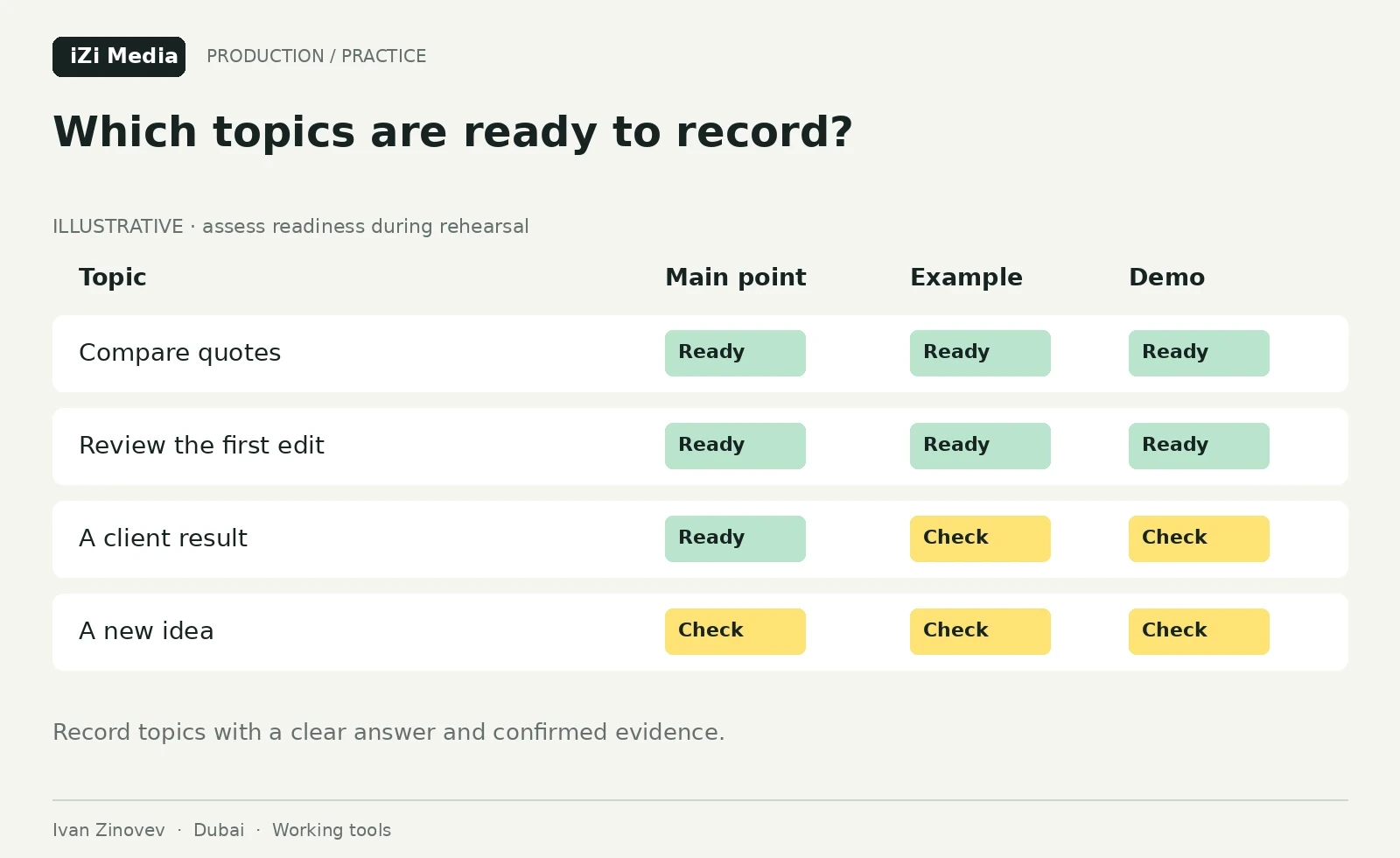
Distinguish source and review-file timecodes. “00:03:10 in CAMA_EP01.mp4” locates evidence during assembly. “00:01:20 in EP01_RU_v02” refers to a particular edit version and may move after a revision.
Define which decisions the editor can make
The editor may remove verbal repetition, choose framing and propose a sequence within the approved meaning. Changes to numbers, service conditions, certainty or the conclusion go back to the speaker. If a necessary explanation is absent, agree a pickup or revise the structure.
The expert voice article shows how shortening can change a person’s position. Compare disputed passages with the source answer. “In this case” and “for this scope” may determine when the advice applies.
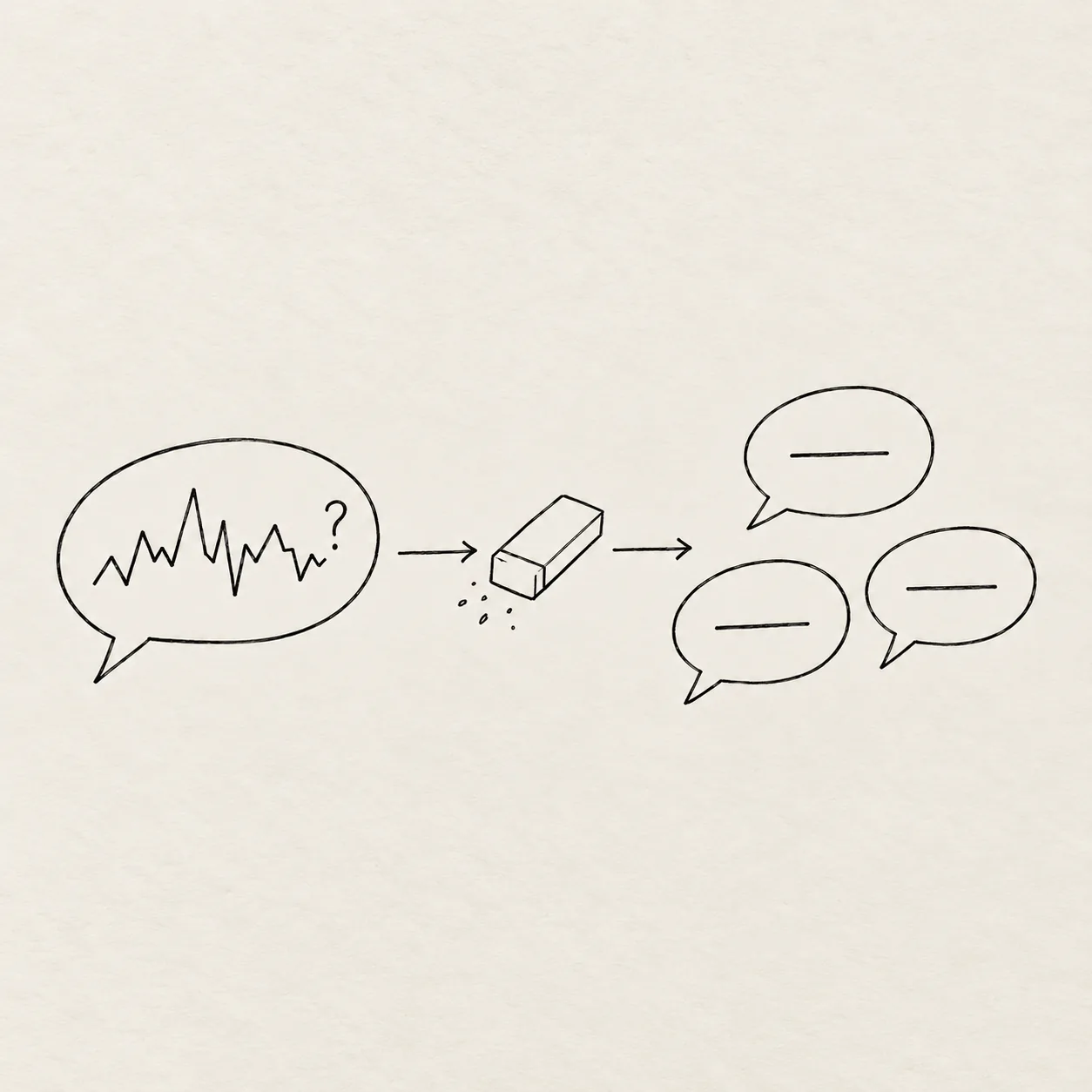
Brief short versions separately
Each short video needs its own opening, an intelligible subject and a complete answer. In teaching episode EP01, the studio-cost explanation could work if both estimates are visible and the condition for comparison remains. A striking line without that example may promise more than the speaker established.
Agree who selects extracts, how many candidates they propose and who approves them before presentation work. Arrange a pickup if a suitable opening is missing. For a vertical version, check that both the speaker and a readable document fit the frame; export settings depend on the assignment and platform.
The interview clips guide explains how to select complete short stories. Deliver a list of short versions and their source references with the main episode.
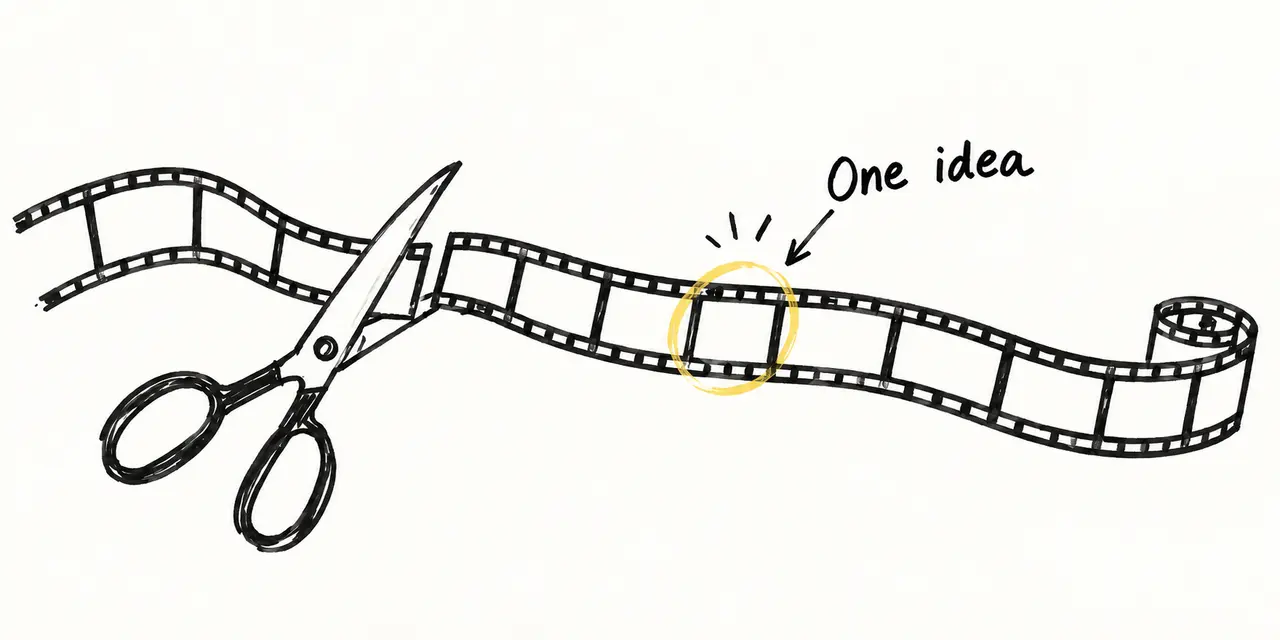
Review against the same criteria
| Check | Test in teaching episode EP01 | Accepted correction |
|---|---|---|
| Meaning | Is the reason for comparing scope before total price clear | Situation, both rows and explanation are present |
| Accuracy | Does the comparable-scope condition remain | Qualification is audible or clearly shown without changing meaning |
| Demonstration | Are relevant rows readable at the chosen viewing size | Documents are legible and match the speech |
| Short version | Does it make sense without the main video | Its own context and complete answer are present |
| Delivery | Does the file open and is the current version identified | Working link, unambiguous version and listed questions |
Check logic, facts and required shots first. Then assess sound, captions and visual preferences. If an essential example was never recorded, a comment about graphic colour will not supply it.
Write comments with the version, location, action and reason. For example: “EP01_RU_v02, 00:01:20: show both estimate rows before highlighting the studio so viewers see the basis of comparison.” This time and version are illustrative; use actual references in the working list.
Agree revision rounds, response times and delivered files before work begins. Correcting a departure from the brief and adding a new idea after approval require different discussions; your assignment determines the terms.
Bring a producer into the edit
If someone needs to choose the main argument, check its logic and consolidate several people’s feedback, include that work in the project scope. Use the content team roles for an ongoing team and Dubai video production for a new recording.
The employee-created content case describes a separate iZi Media project. The teaching brief above illustrates a handover method and is not that client’s document. To discuss your assignment, use the enquiry form to send a source-footage example, intended format and approval owner.