HomeArticlesExpertise on camera
Showing expertise on video when client projects are confidential
Show an expert’s process, comparisons and illustrative models when client work cannot be disclosed, with clear limits and permission to use the material.
In this article (9)
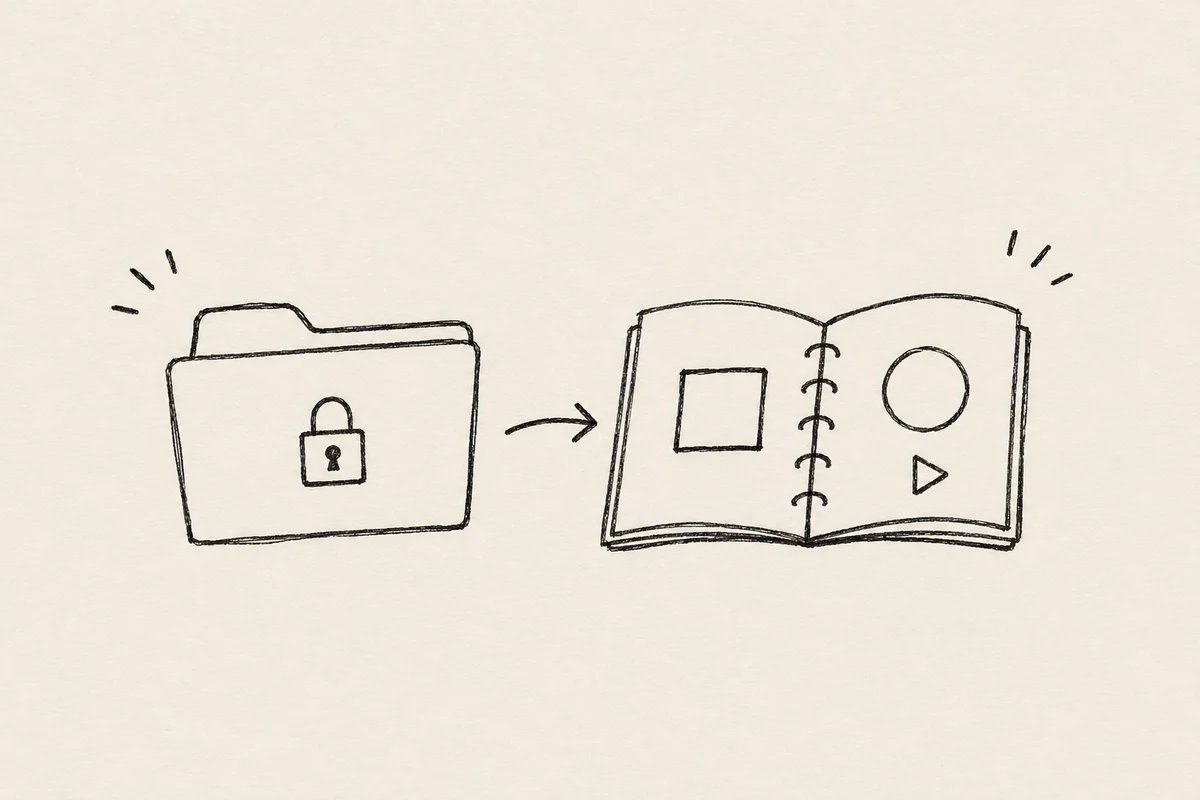
Sometimes your strongest example cannot be published. A client will not allow an object to be shown. A document contains deal terms. A doctor's work involves private patient information. A company can discuss its process but not internal analytics.
You can still show how you check something, the criteria behind a decision, permitted stages of work and illustrative material. First establish what each example actually supports.
A model calculation demonstrates a method under stated assumptions. It does not establish a real project's return. A production photograph shows a visible process, but cannot by itself establish authorship of a concept or a commercial outcome. Keeping those distinctions gives viewers a way to assess the work without access to confidential information.
Choose the claim you need to demonstrate
Start with a sentence from the planned video: “I help clients choose the right option.” Repeating it in an attractive room will not show how that choice is made.
Ask what sits behind it. Which information is needed? Which alternatives are compared? What would rule one out? When would the expert conclude that more evidence is required?
You can then select material. A calculation can use a spreadsheet with illustrative inputs. A quality check can be demonstrated through permitted actions. Editorial work can use a sample passage before and after revision, with the changes explained.
The material need not prove everything. Showing one specific skill and explaining what remains outside the example may be sufficient.
Distinguish outcomes, process and demonstrations
These often get mixed together, leaving viewers to mistake an illustration for a client result.
| Material | What it can show | What cannot be inferred |
|---|---|---|
| A permitted real outcome | What happened in a particular project and period | That every client will achieve the same |
| A process extract | How the visible stage was carried out | That this stage caused the whole outcome |
| An illustrative example | How a method works under stated conditions | That the scenario was implemented for a client |
| An expert's position | A proposed decision and its reasoning | That the position is an established fact |
| A document with traceable provenance | Specific terms, actions or figures | That everything outside it has also been checked |
Match the material to the claim. A clear explanation may help viewers assess a provider. A claim about a change in revenue needs different evidence.
Calling something a “real case study” does not supply a missing period, baseline or connection to the team's work. A visible “illustrative example” label helps people interpret a useful explanation correctly.
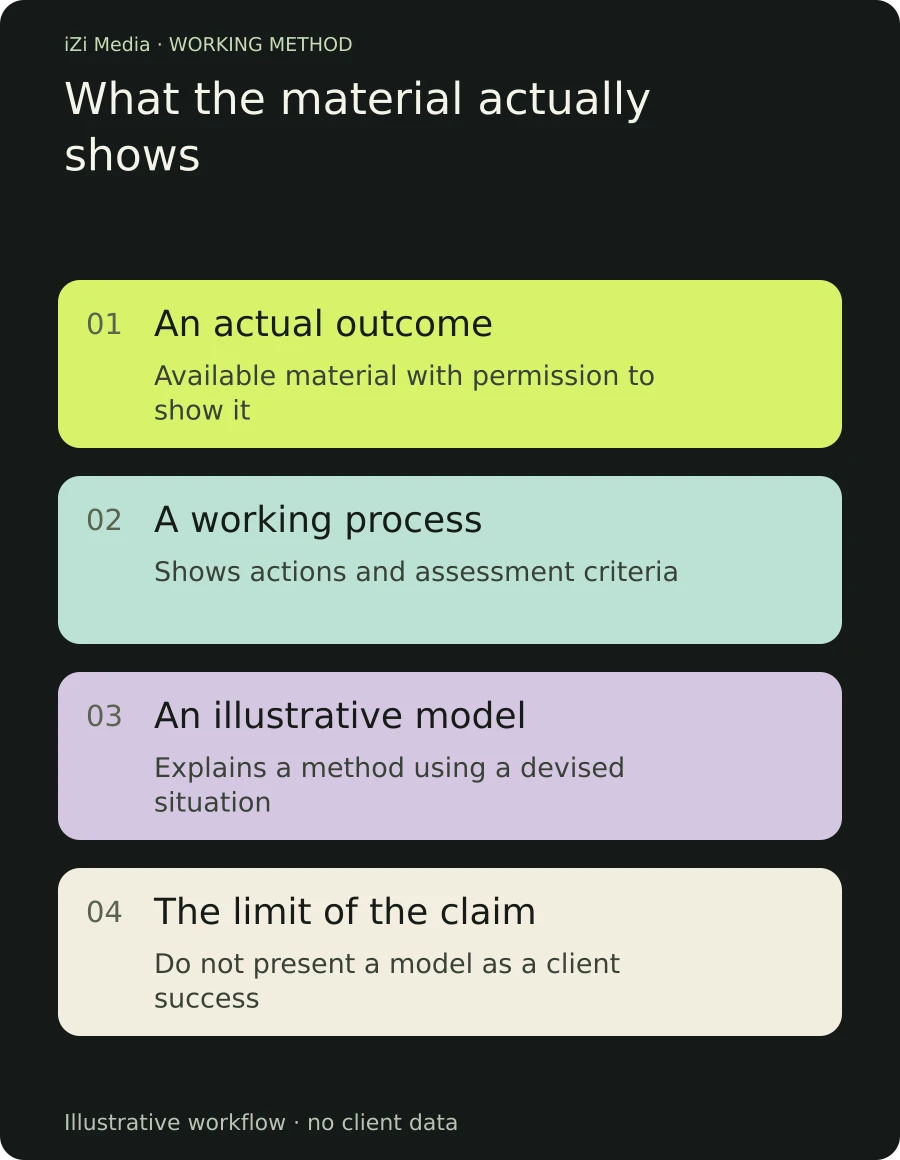
Show the action when you explain it
Adam Chase suggests using screen recordings to bring charts, tables and calculations into an expert video. The useful principle is that viewers can see the subject and follow the action.
An open dashboard alone is not a clear demonstration. It may contain too much information, unreadable text or an outcome with no explanation of its origin.
Decide where viewers should look. “Here, changing one condition changes the total.” Make that change large enough to follow. When comparing options, keep shared inputs consistent and explain the difference.
A prepared extract may work better than scrolling through an entire document. Remove unnecessary detail but retain labels, units and conditions. If a qualification will not fit on screen, explain it rather than silently omitting it.
Check the demonstration on a small screen before editing the whole episode.
Keep the reasoning and qualifications when shortening an answer. The guide to preserving an expert’s voice explains this in detail.
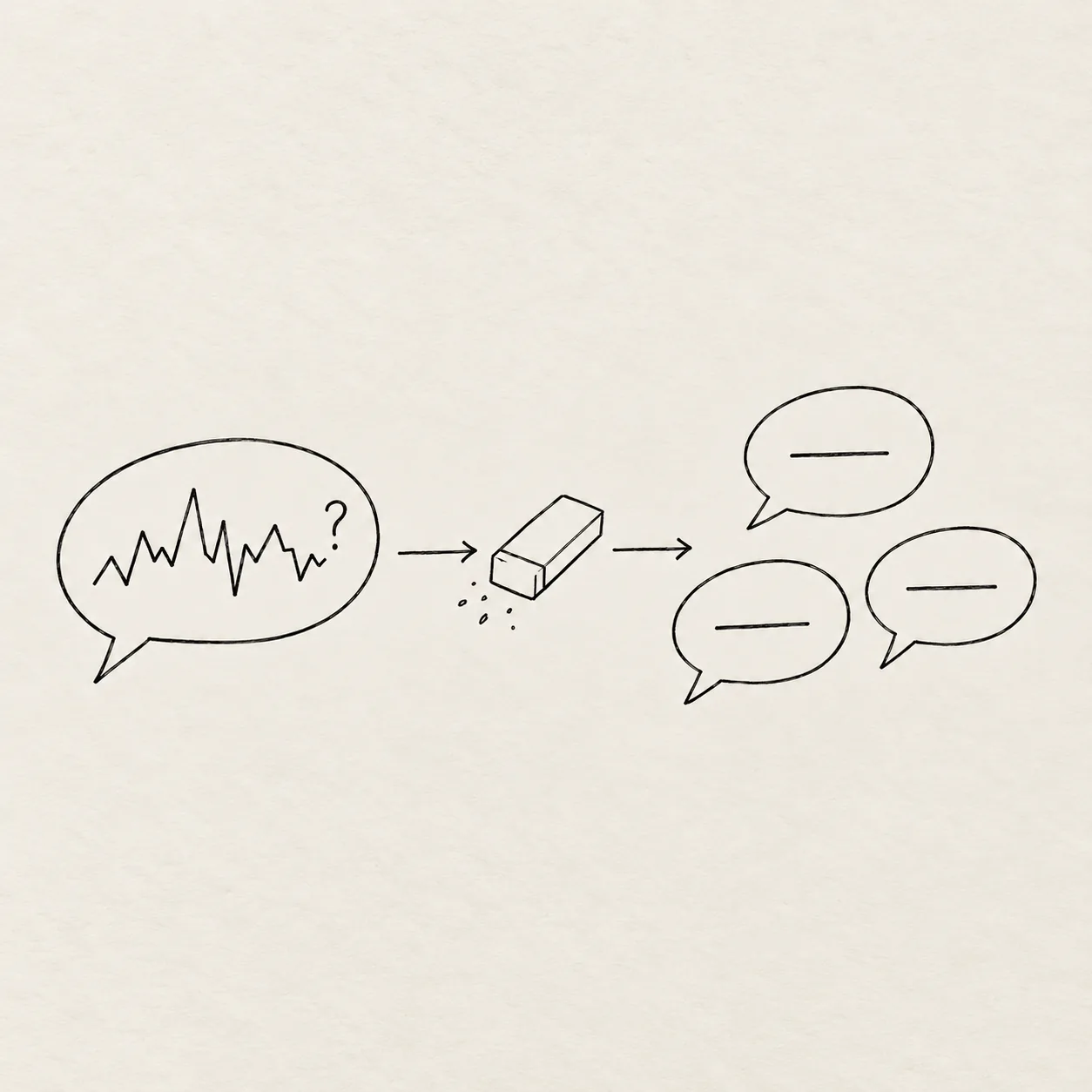
Make the illustrative situation specific
“Imagine a successful company” does little to explain the work. Give the example conditions, a choice and a clear question.
A renovation specialist could compare two fictional quotes with different scopes. State at the start that the documents are illustrative. Then put them on a comparable basis and show which lines cannot be compared directly.
Viewers gain a way to assess their own proposal. The video does not imply that the same discrepancies occurred in a real client's project.
A car-buying specialist could show a sample pre-inspection checklist. A consultant could explain which inputs change a recommendation without presenting a general example as individual advice. A fashion brand could use a permitted prototype to show how a constraint changes material selection.
An appropriate specialist checks professional claims. A producer helps make the reasoning visible and understandable; that role does not confer medical, legal or financial qualifications.
Treat anonymisation cautiously
Blurring a name does not guarantee that a project cannot be recognised. A date, location, unusual circumstance or combination of figures may identify it.
Ask both what is permitted and whether the extract is necessary. If permission has not been established, choose another source or prepare a separate demonstration.
Check the whole frame: a browser tab, spreadsheet column, spoken name or screen reflection can reveal information. Check short versions too; an extract may lose the explanation that the example is illustrative.
This editorial preparation does not replace any professional review a particular project requires. The team can still distinguish open material, restricted material and material it cannot use before recording.
Changing figures in a real case does not make it accurate to present the story unchanged. If conditions are adapted for demonstration, say so. Otherwise, an invented outcome appears to be evidence.
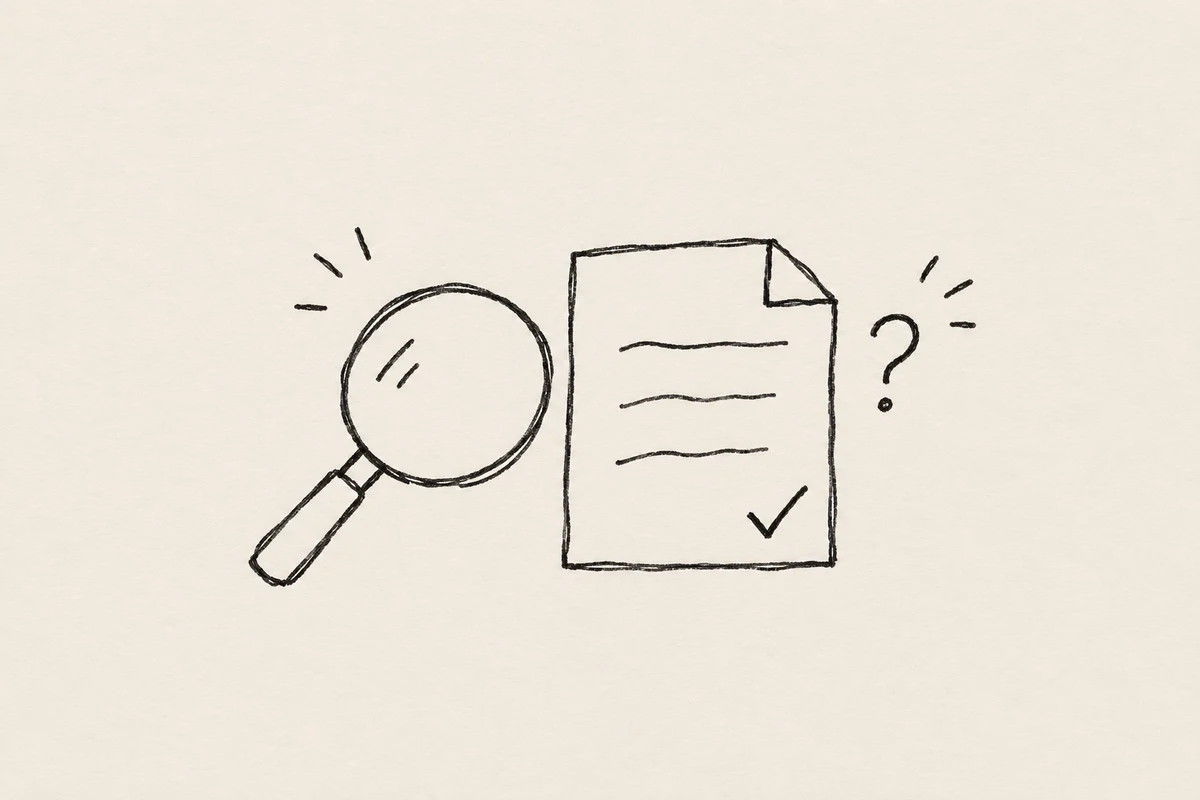
Explain where your conclusion changes
Expertise can be visible in the conditions around an answer. Why does this approach fit here and not elsewhere? Which document is needed for a further conclusion? What cannot be established from the available information?
Nikolay Velizhanin discusses professional objects and consistency as possible signals of trust. An object does not replace substance. A stethoscope, studio microphone or drawing on a wall cannot establish decision quality. It is more useful when it participates in the explanation.
Nor should someone manufacture mistakes to appear human. A natural hesitation may be harmless; an incorrect fact needs correcting. Viewers should be able to distinguish conversational delivery from accuracy that affects their decision.
Anastazja Debowska stresses understandable explanations. Here the editor's job is to remove unnecessary complexity while retaining conditions that keep the answer accurate.
Pass the materials and restrictions to the editor in advance. An editing brief should distinguish approved material, confidential details and sections awaiting review.
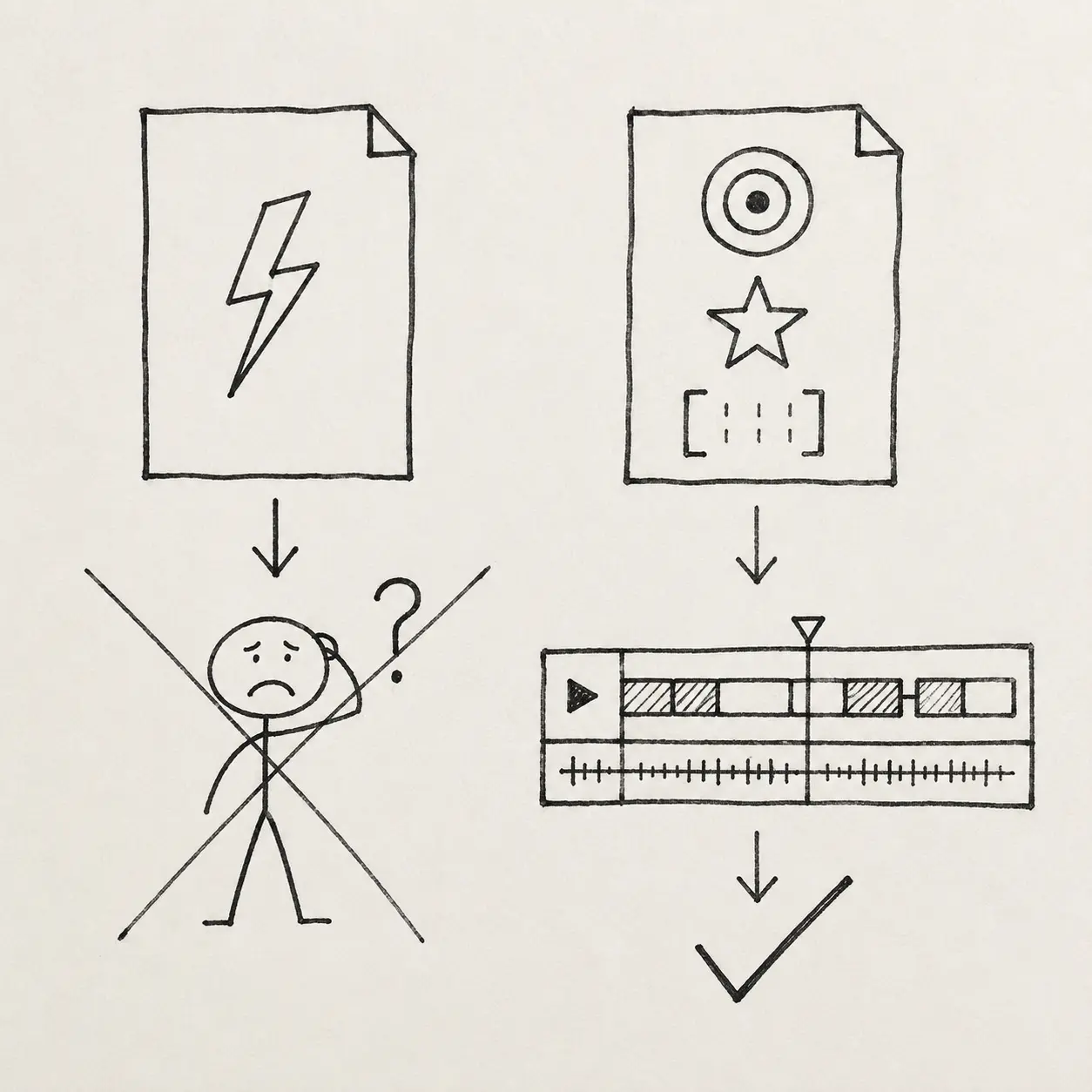
Plan the evidence before filming
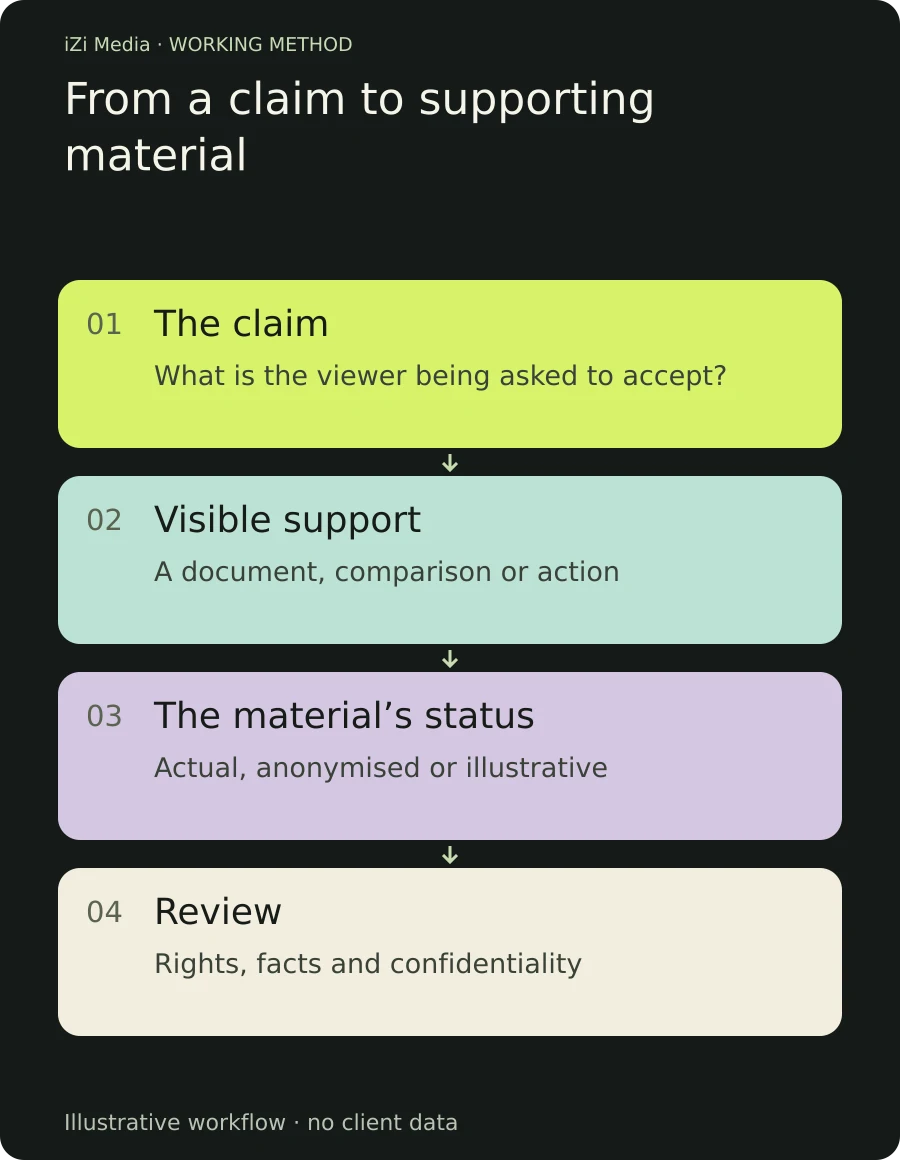
If supporting material is first considered during editing, the team may discover that it cannot be shown. Add it to the recording plan.
| What the expert says | What viewers see | Material status | Who checks it |
|---|---|---|---|
| Compare equivalent scope | Two sample quotes | Demonstration | Subject specialist |
| The decision depends on inputs | One changed assumption in a calculation | Illustrative example | Calculation author |
| This stage took place in a project | A permitted process extract | Real work | Material owner |
| This outcome occurred in a period | Evidence with dates and context | Real figure | Data owner |
The number of rows depends on the episode. Illustrating every sentence can make the argument harder to follow. Select moments where the material reveals a difference or supports a check.
Assign preparation, permission, caption and factual review responsibilities. On set, the team should know which shots are essential and which can be replaced.
Check what viewers understood
Show an extract to someone outside the production. Ask which conclusion they reached and what supports it.
If they mistake a model spreadsheet for company revenue, the labels are not clear enough. If they remember the interior but not the comparison, the demonstration is not doing its job. If they repeat the recommendation without a key condition, review the explanation.
Retention data can identify passages people skip or revisit. A spike does not establish that everyone liked the passage: some may have returned because it was difficult to understand. Review the graph alongside the footage.
Keep a short record of what was clear, what needed explaining and which evidence remained off camera. It will help the next video too.
When there is no permitted case to show
A well-explained method can still be useful. It cannot serve as evidence of someone else's outcome.
Choose a problem you can genuinely examine. Prepare an illustrative example, label it and show the reasoning. If an answer requires individual data, explain which data.
Viewers can then assess how you check inputs, consider alternatives and recognise limits. Stronger claims will need appropriate evidence later.
The production task is to choose available support and make it readable on screen. Confidentiality need not reduce a video to credentials and general statements; the wish to persuade must not turn into an invented case.
For help preparing the explanation and recording, discuss speaker coaching or video production. Start with actual customer questions when the video needs to explain a specific service.