How to record several expert videos in one filming day
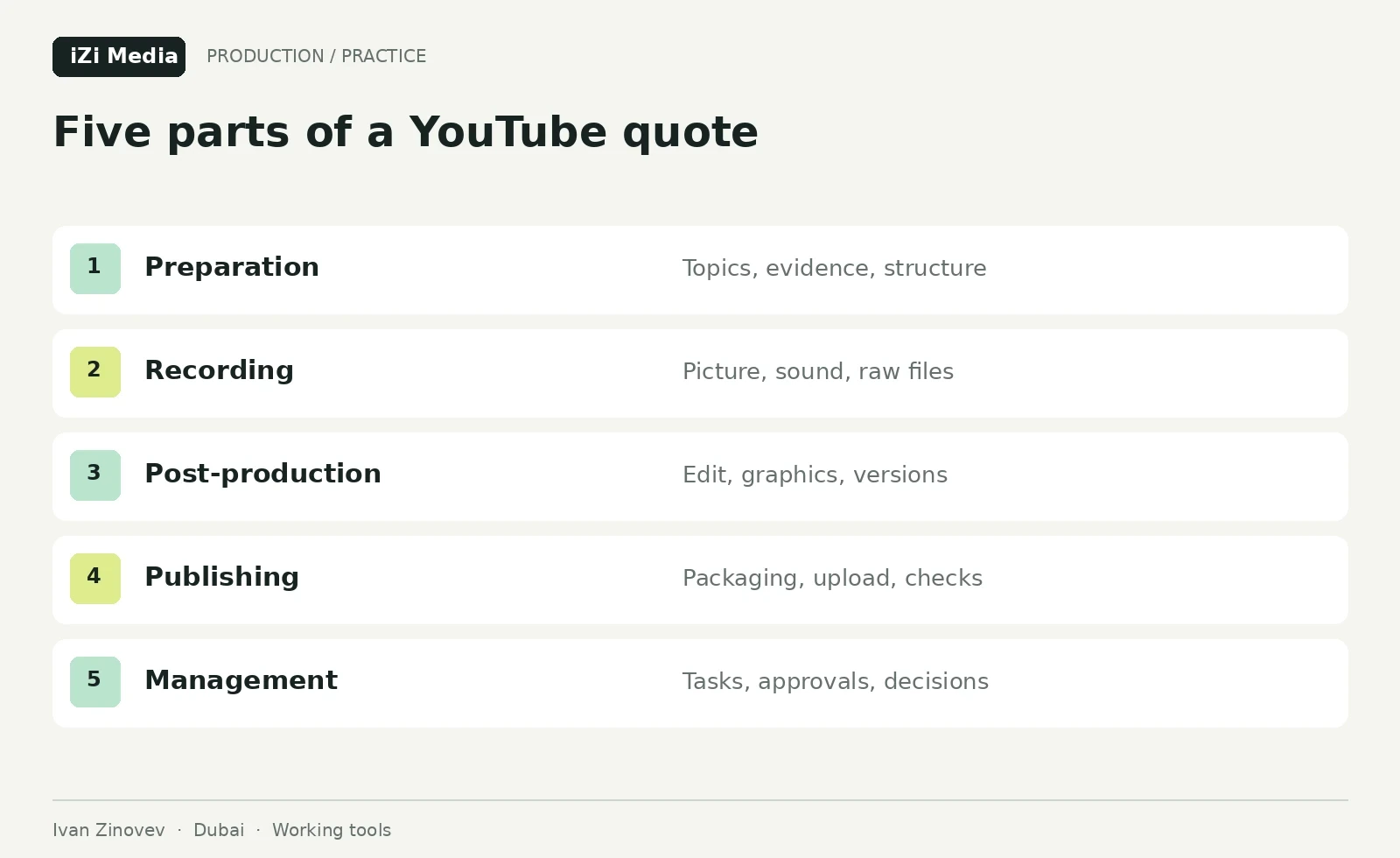
Plan several expert recordings in one filming day: topic cards, schedule, fatigue and footage handover. Includes a worked forty-five-minute founder session.
In this article (13)
Suppose the studio is booked for a day, the founder has cleared their calendar and four topics are listed in a document. On set, the team discovers that one needs documents, another needs a client example, the third repeats the first and the fourth still needs an answer. Even a long recording may leave too little material for four complete episodes.
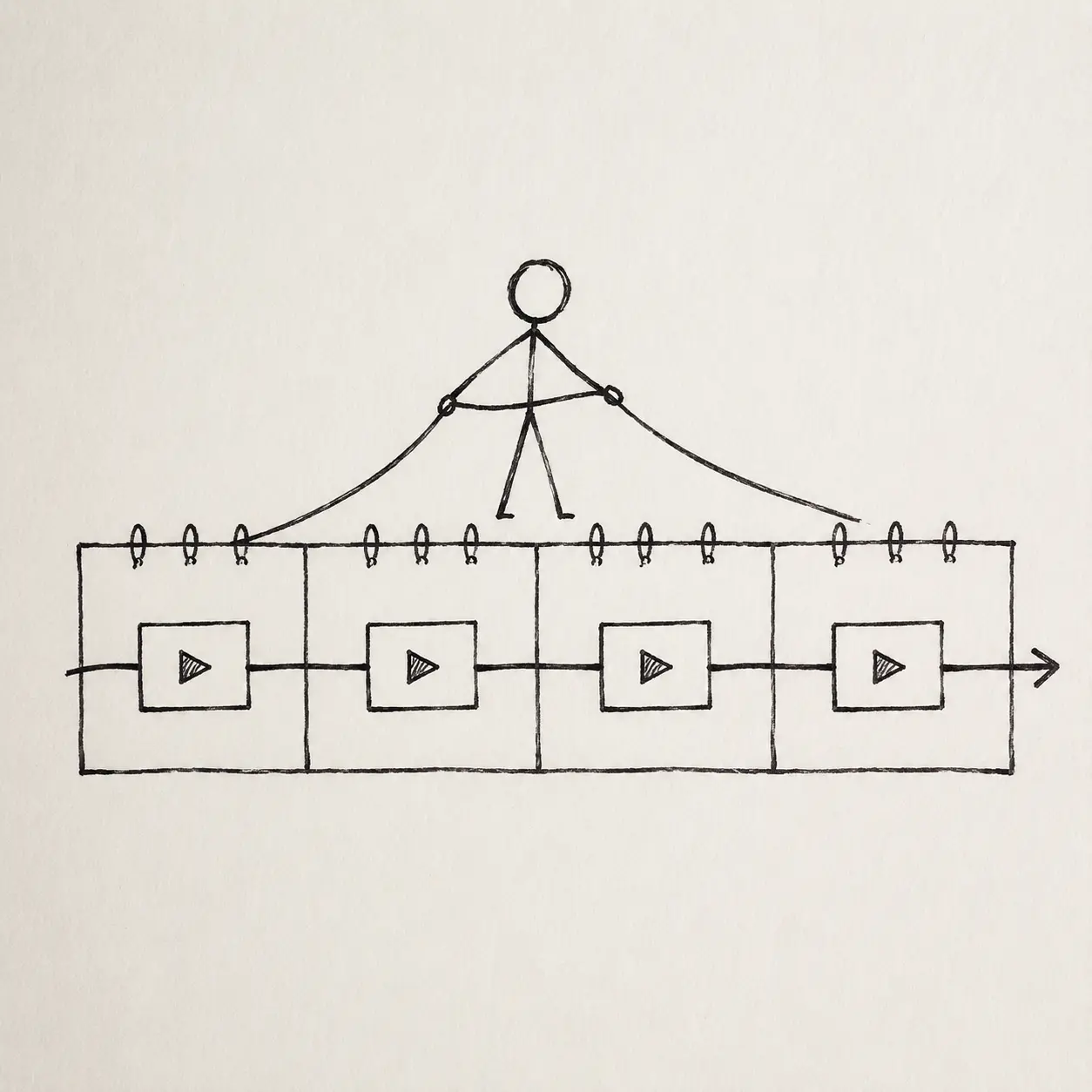
Batch filming uses one session to record several episodes. It can help when a founder cannot set aside a separate day for each topic or a guest is visiting Dubai briefly. The amount you can record depends on the material and the speaker’s preparation. The schedule below illustrates preparation, recording and handover for one speaker at one location.
Begin with four complete ideas
A list such as “sales, team, mistakes, personal brand” is too broad to record. For each episode, define the viewer's question and the answer you will lead them towards. For example: “How do I accept the first edit of an expert video?” The answer might be: “Check facts and logic before decoration, collect timecoded comments and classify changes.” You can now see which materials and demonstrations the episode needs.
Prepare two or three examples and material that supports the answer. Note the conditions under which the advice applies. The speaker can then explain the conclusion, and the editor can shorten the discussion without removing an important qualification.
Episodes should differ in the decision they help the viewer make. If three topics end with the same advice, combine them or give each a distinct subject: selection, preparation or checking the result. The guide to YouTube teams and video ideas develops topic selection further.

| Episode card | Prepare before filming | Expert-channel example |
|---|---|---|
| Viewer question | One specific situation | How to compare two production estimates |
| Author's answer | Main point in two sentences | Bring both scopes onto one brief |
| Evidence | Case, document or observation | Two anonymised estimates permitted for display |
| Demonstration | What the viewer will see | Included and additional line items |
| Limitation | Where the conclusion needs qualification | Different formats and preparation scope |
| Next step | What to offer after the explanation | Send a project brief for an estimate |
Prepare title and thumbnail options at this stage. Check them against the episode card: can the speaker answer the promised question and show the necessary example? Fill gaps before recording, while doing so does not require another studio booking.
Check readiness with a short conversation
Ask the speaker to explain the topic in a few minutes as they would to someone they know. Listen for missing examples and places where the sequence is hard to follow. Missing examples call for more preparation; a confused sequence calls for an outline and follow-up questions.
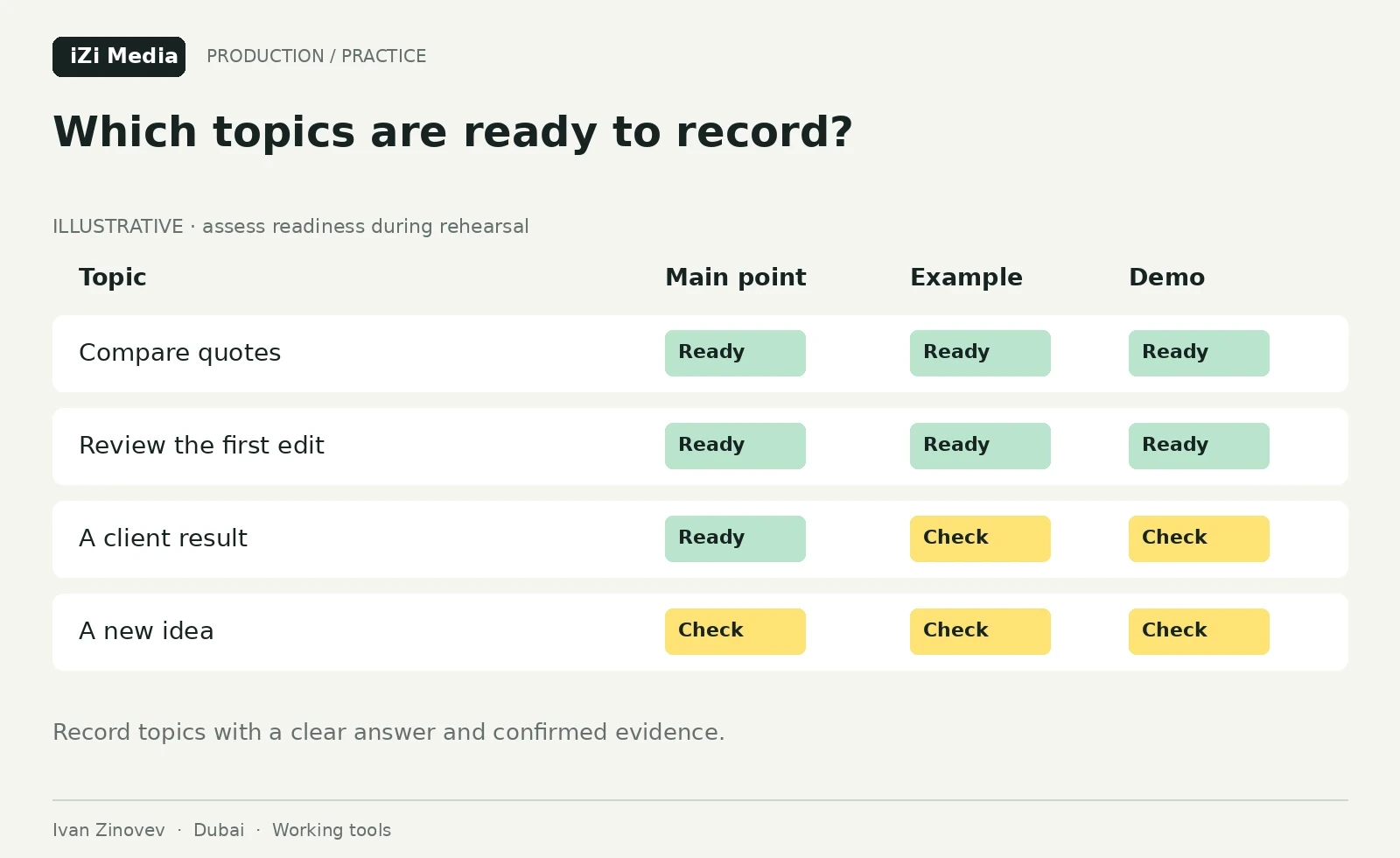
Give topics three statuses. “Ready” means a clear idea and confirmed materials. “Needs work” means a document or example must be obtained. “Reserve” means a useful idea that is currently weaker than the main topics. On filming day, these statuses let you change the order for a reason while preserving quality.
Decide the day's volume after rehearsal. For the first session, record a pilot and measure the time spent on discussion, repeated answers and demonstrations. A speaker who confidently explains a prepared topic can move faster. Someone new may need more time with the producer. A fixed promise of “ten videos a day” says little about complexity or usability.
When the founder has only forty-five minutes
This illustrative plan assumes one prepared speaker, one location and two short explanations. The crew gets access earlier, sets the lighting and listens to a recorded test before the founder arrives. Setup and footage storage are planned and costed separately from the speaker’s forty five minutes.
Before the meeting, the producer discusses both questions with the speaker and checks the examples. The first topic card asks how to compare two video production estimates. Its conclusion is to match both estimates to the same scope first. Two purpose-made teaching estimates are needed: one includes the studio, while the other lists it separately. The second asks how to review a first edit. Its conclusion is to check meaning and facts before presentation. It needs authorised footage or a teaching edit with two specific review comments.
| Speaker window | Recording | Check before moving on |
|---|---|---|
| 10:00–10:05 | Short trial and opening idea | Speech is clear and the opening makes sense |
| 10:05–10:17 | Compare two estimates | Speaker explains the difference and the condition for comparison |
| 10:17–10:20 | Break and topic-card check | Missing lines are noted |
| 10:20–10:32 | Review a first edit | A specific comment and its acceptance criterion are recorded |
| 10:32–10:37 | Precise retakes and endings | Essential connecting lines are complete |
| 10:37–10:45 | Contingency or a missing answer | The priority explanation can be completed |
This allocation helps discuss preparation. It does not promise two finished videos: usability depends on the trial and footage review. The crew can film estimate close-ups without the speaker using the approved shot list. If the first explanation takes longer, drop the second topic or reserve material while keeping the first answer complete.
If the speaker arrives fifteen minutes late, revise the programme for the remaining window. Choose one essential explanation and decide what can be filmed without them. If a necessary qualification was missed, record a pickup requirement; graphics must not invent a conclusion on the speaker’s behalf. Develop these subjects using the founder topic cards.
Choose the method that produces clear speech
Try recording from a full text, a card of key points and questions from the producer. Use the same passage for comparison. Choose the method in which the speaker explains the point accurately and spends less effort searching for the next phrase.
A teleprompter helps with exact wording, sequential instructions or a second-language text. Read the sentences aloud beforehand and adapt them to the author's speech. If the speaker keeps chasing the line with their eyes and loses the meaning, change the pace, sentence length or format.
A conversation with a producer suits a founder who knows the subject but explains it through follow-up questions. The interviewer returns to the viewer's question, asks for examples and checks conclusions. “You said this benefited the client. Which evidence showed that?” Such questions produce material the viewer can assess.
If the trial reveals difficulty with delivery or the structure of an answer, allow preparation time. The expert interview and camera preparation guide explains the process; the speaker coaching service describes the available support.
Build the filming schedule around the work involved
Eight minutes of finished video might require twenty minutes of conversation or considerably more. Speaker experience, complexity, examples and recording method all affect the time. Speech is only part of the day: you also need setup, sound checks, thumbnail photographs, demonstrations, breaks and clean retakes.
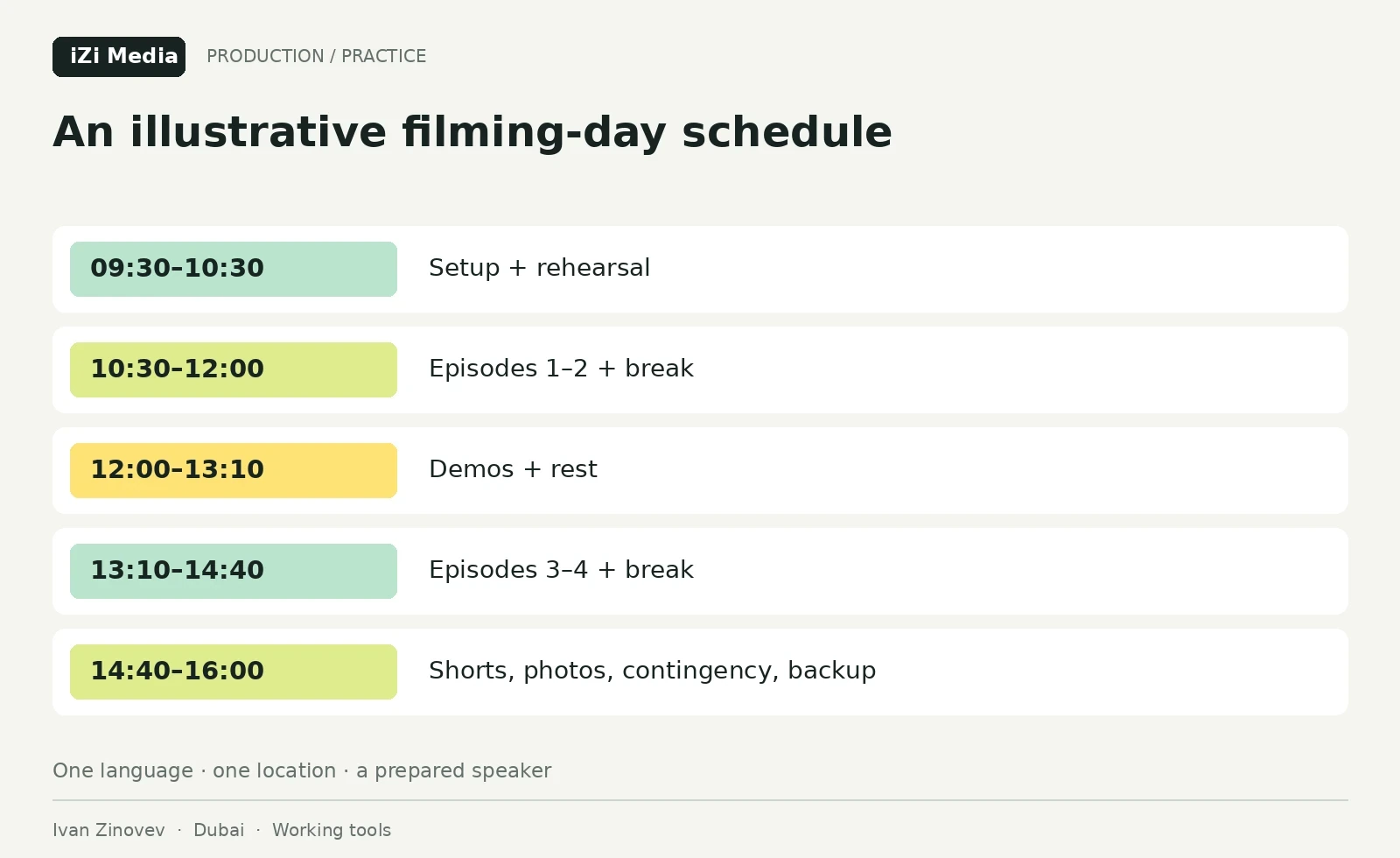
Write the plan as location setup + main recording blocks + demonstrations + photographs and short stories + breaks + contingency. Estimate each part after rehearsal and a location check. The example below assumes prepared topics, one language, one location and one speaker. It organises a working day; it is not a productivity standard. Use the production cost guide to agree which hours, people and expenses the estimate includes.
| Time | Activity | Required outcome |
|---|---|---|
| 09:30–10:15 | Setup; room and equipment checks | Lighting, framing and a recorded and reviewed sound test |
| 10:15–10:30 | Warm-up and short trial | Speaker understands pace and sequence |
| 10:30–11:10 | Episode 1: best-prepared topic | All planned sections and exact wording |
| 11:10–11:20 | Break and notes | Missing shots identified |
| 11:20–12:00 | Episode 2 | Material matching the second card |
| 12:00–12:30 | Demonstrations for the first episodes | Close-ups and documents |
| 12:30–13:10 | Break | Restored attention for speaker and crew |
| 13:10–13:50 | Episode 3 | Complete explanation of the next topic |
| 13:50–14:00 | Break and checklist | Remaining recording is clear |
| 14:00–14:40 | Episode 4 or reserve topic | Usable material for the selected card |
| 14:40–15:20 | Short videos, photographs and extra shots | Separate openings and required views |
| 15:20–16:00 | Contingency, verification and backup | File set checked and handover assigned |
Four forty-minute windows provide 160 minutes for the main topics, including pauses and repeated answers. That does not translate into a fixed running time for finished videos. At the end of the day, check each episode card for the explanations, examples and qualifications needed to complete it.
Order topics by how demanding they are to film
Start with a subject the author knows well and can explain through a concrete example. It helps them settle in and gives the team usable material. Record the hardest topic after the warm-up while attention is strong. After lunch, a visual episode can work well: a document review, demonstration or short questions.
Adjust the schedule to the people and location. Record a guest within their one-hour availability and capture light-dependent shots when the light is right. Before the day, confirm when participants must leave, when the room gets noisy and how long any location change takes.
For Russian and English recording, assign separate language blocks and prepare separate topic cards. Constant switching can disrupt terminology and speech rhythm. Two days may be easier; an experienced bilingual speaker may record the second language quickly. Decide after a trial, considering graphics and the editor's workload.
Record in blocks while keeping each thought complete
Divide the episode plan into sections that can be recorded separately: the opening, explanation and example, necessary qualifications and next step. A mistake then need not mean repeating the whole conversation. Within a section, let the speaker finish the thought; the producer can note a slip and request a clean repeat afterwards.
Name the viewer's situation early. “You have two YouTube estimates and are comparing only their totals. Let's bring them onto the same scope.” That opening establishes the subject. A long personal introduction can be shortened or moved if it delays the promised explanation.
Recording the final opening after the main conversation can be helpful. You already know which example was strongest and what the episode actually explained. The producer checks that the promise matches the content. If a more interesting topic emerged, update the card and packaging, and record missing connections while the speaker is still there.
Collect demonstrations in a separate pass
Prepare documents, screens, products and working actions beforehand. If the author says “look at this line,” the editor needs that line on camera. General office footage adds atmosphere but cannot explain an estimate item or software setting.
For each additional shot, list the episode, section, action, framing and display requirements. For example: “Episode 2, block 3: open the anonymised table, highlight additional rental, record an overview and a readable close-up.” Record the source of each asset and the permitted use.
For product demonstrations, record the conditions and sequence. If the speaker compares two results, show both under comparable conditions. The YouTube guide for product brands explains this further. A service business can apply the same logic: show the actual work and explain what follows from it.
Make short videos self-contained answers
During the main recording, mark moments that could become separate stories. Afterwards, ask the speaker to restate an opening and finish the thought without “as I said earlier.” The short video will then make sense to someone encountering it first.
A topic may support different short videos, such as a spoken explanation and a separate demonstration. Check that each has a point of its own. If the conversation contains four substantial moments, twenty independent Shorts will require more topics or recording. The estimate should distinguish extracts from newly prepared short videos.
Check the speaker, object and future captions for vertical framing beforehand. Cropping a wide shot to 9:16 can leave an important hand movement or demonstration outside the frame. Sometimes a separate pass in the intended format is more efficient.
Watch for fatigue
A voice becomes flat, the speaker repeatedly forgets a prepared example, answers grow shorter, or they agree with every formulation the producer suggests. Pause and assess their condition. Start with a break, then consider a simpler explanation or demonstration. If precision and clarity keep declining, move the difficult topic to another session.
Separate essential material from reserve topics in the schedule. For essentials, define the minimum set: main ideas, examples, limitations and required shots. Record reserve material when time and speech quality allow. The team then knows what to drop after a delay while preserving complete episodes.
Decide whether to extend recording by looking at what remains. An extra half-hour may be enough for a missing connection. If a difficult explanation remains and the speaker is losing precision, several more hours may add editing work and still leave a need to reshoot.
Give the editor a map of the material
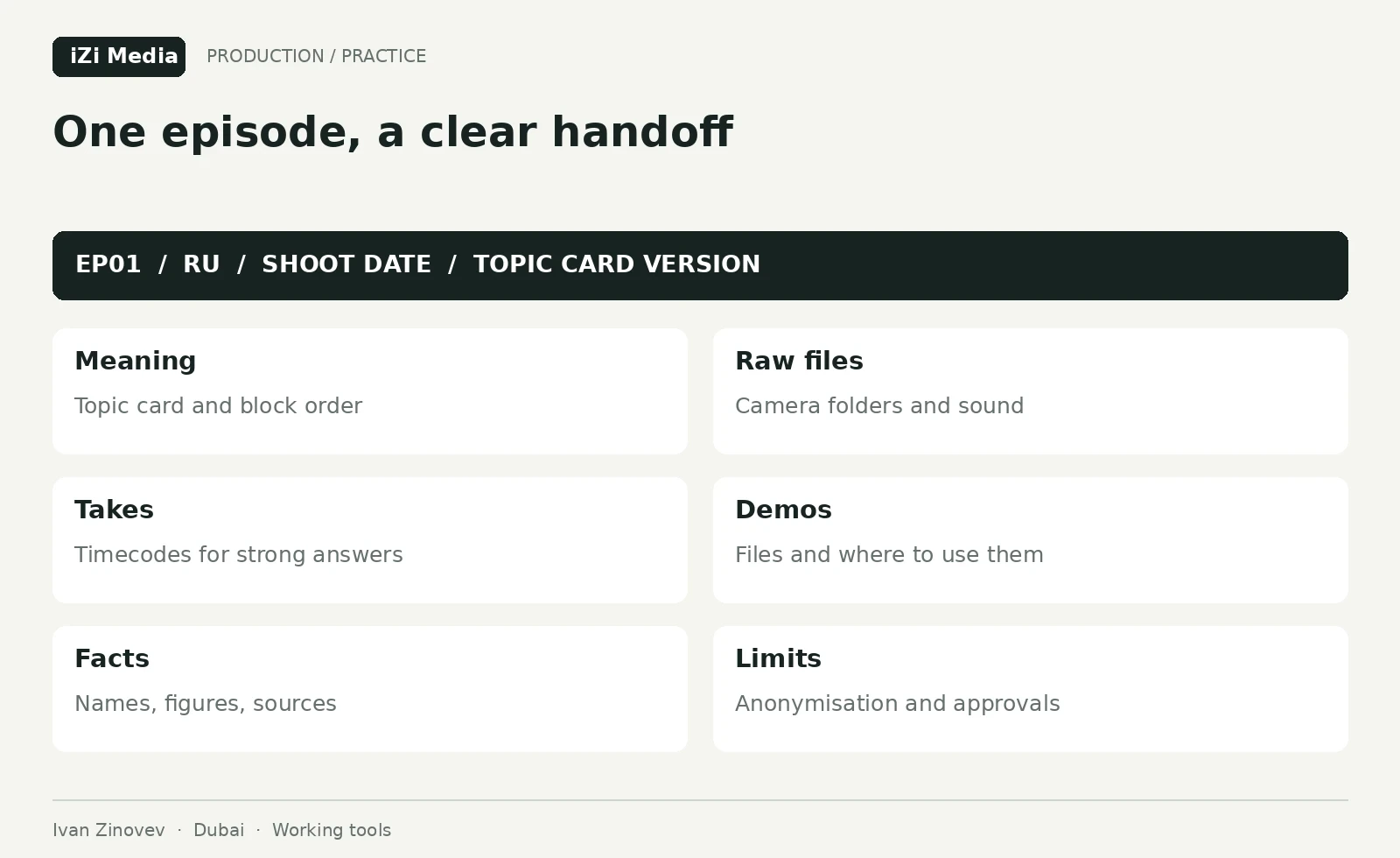
Each episode needs its topic card, footage, take notes, demonstration list, exact names and numbers, proposed opening and block order. The editor can suggest a different solution, but must understand the meaning and constraints.
| Handover field | Contents | Purpose |
|---|---|---|
| Identifier | EP01, language, date, card version | Connect files to an episode |
| Main material | Camera folders and audio | Build synchronisation |
| Takes | Timecode of a strong answer and clean repeat | Reduce searching |
| Demonstrations | File and intended placement | Support the explanation |
| Facts | Names, amounts and sources | Check speech and captions |
| Restrictions | Material to anonymise or approve | Preserve permitted context |
Copy source footage to the agreed storage locations. Before clearing cards, check that copying succeeded and open sample files from every camera and audio recording. Decide beforehand who stores files, who has access and when media can be cleared. The guide to briefing a video editor covers the assembly brief in more detail.
A completed handover for one episode
Illustrative handover: EP01_RU, comparing estimates. The card says the viewer should check that both offers cover the same work. CAMA_EP01.mp4 at 00:03:10–00:04:05 contains the studio-cost explanation; DEMO contains two teaching estimates and a close-up of the relevant rows. These filenames and timecodes are invented for the example and must be replaced with actual recording references.
The edit note reads: “Keep the condition about matching scope, show both rows and conceal any real contact details. Refer discrepancies between footage and the approved card to the producer.” An assigned person confirms folder access and that files open. The editor receives the footage with an intelligible assignment; use the edit brief example to organise delivery and review.
Use AI before and after recording
Before filming, AI can analyse a speaker interview, identify repetition and prepare episode cards. Supply the original conversation and require it to use the author’s supported points. Ask the speaker for a missing example; do not invent experience to make the card look complete.
Example brief: “Create four episode cards from this transcript. For each, identify the viewer's question, the author's point, a supporting passage, an available example and missing evidence. Preserve disagreements and conditions the speaker mentioned. Mark assumptions separately.” The producer checks the passages and decides which topics are ready.
After filming, a model can suggest structure and short stories from a timecoded transcript. Verify the timecodes against the video: transcription can be wrong, and text does not show gestures or demonstrations. AI helps find material. Selection of a usable take remains with someone who watched the recording.
Prepare confidential documents according to the client's arrangements before sending them to an external service: anonymise them, remove unnecessary information or use an approved tool. The practical question is which material the team is permitted to process, and where.
Questions before the recording day
How many videos can we actually film in a day? Assess topics after rehearsal and allow setup and breaks. For a first attempt, a smaller usable batch is more informative because you can measure actual speed. The illustrative four-episode schedule assumes a prepared speaker.
Does the speaker need to memorise the whole text? Preparation depends on the person and format. Key points, a teleprompter or an interview can all work. In every case, the author needs to understand the argument, example and conclusion.
What if the speaker arrives late? Rebuild the schedule around essential topics. Remove reserve material and identify demonstrations the crew can record separately. Chasing the original count often weakens explanations.
Should the speaker change clothes between episodes? It can distinguish episodes visually when it suits the channel. Allow time for changes. Content and sound quality carry more weight when setting priorities.
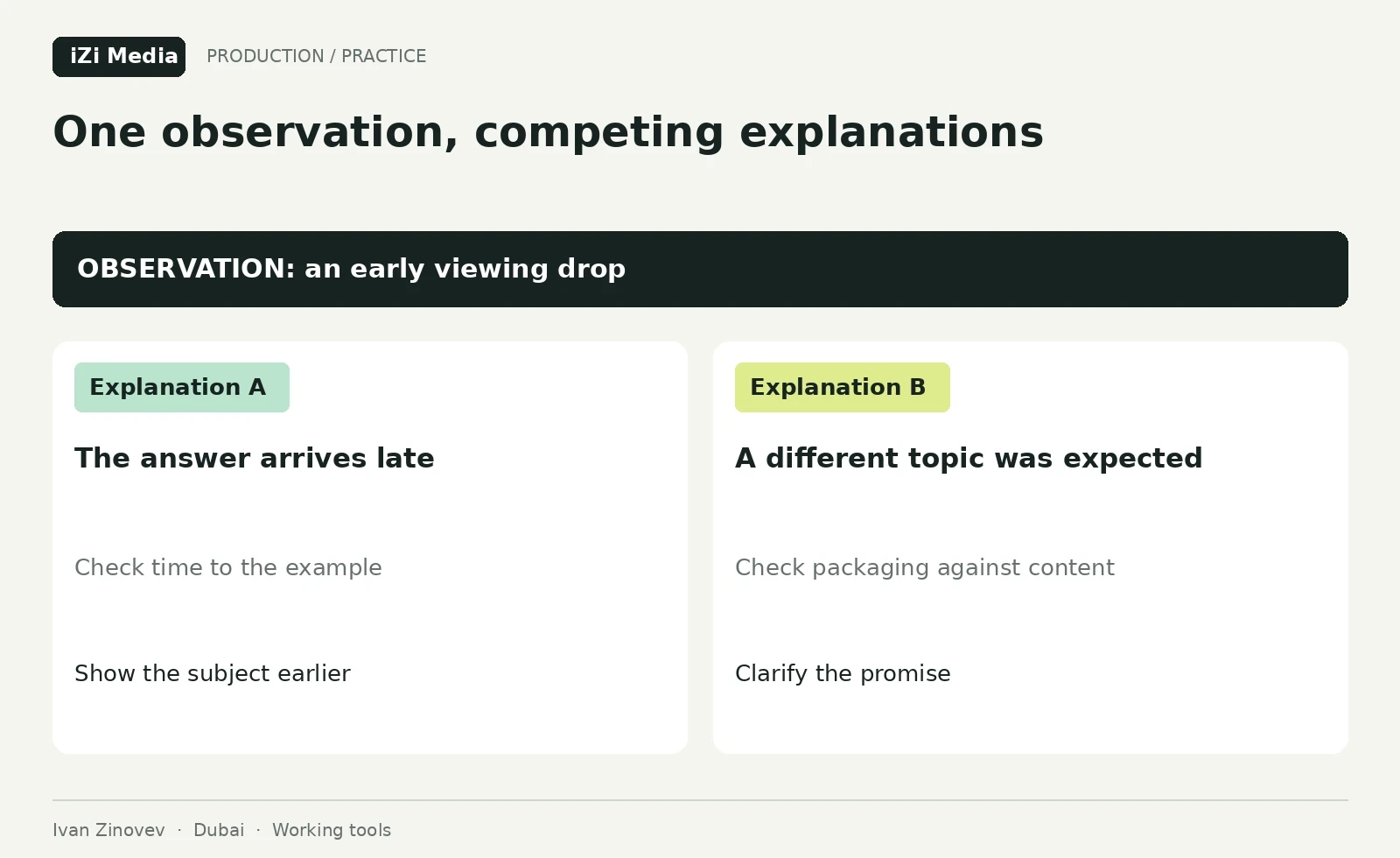
After publication, check which sections viewers watched and which questions remain. Combine those findings with the editor’s notes to prepare the next recording. The post-audit action plan shows how to choose those changes.
If you are planning batch filming for an expert YouTube channel in Dubai, send topics, audience language and an example format. I will help assess preparation, the speaking method and a sensible recording scope. Discuss a filming plan.
All schedules and cards in this article are the author's working examples. Adapt them to the speaker, subject, location and the team's actual capacity.