How to prepare an online course for recording: content, delivery and filming
Turn expert material into a lesson with a task and review criteria. Plan slides, delivery, a pilot, team responsibilities and course filming in Dubai.
In this article (10)
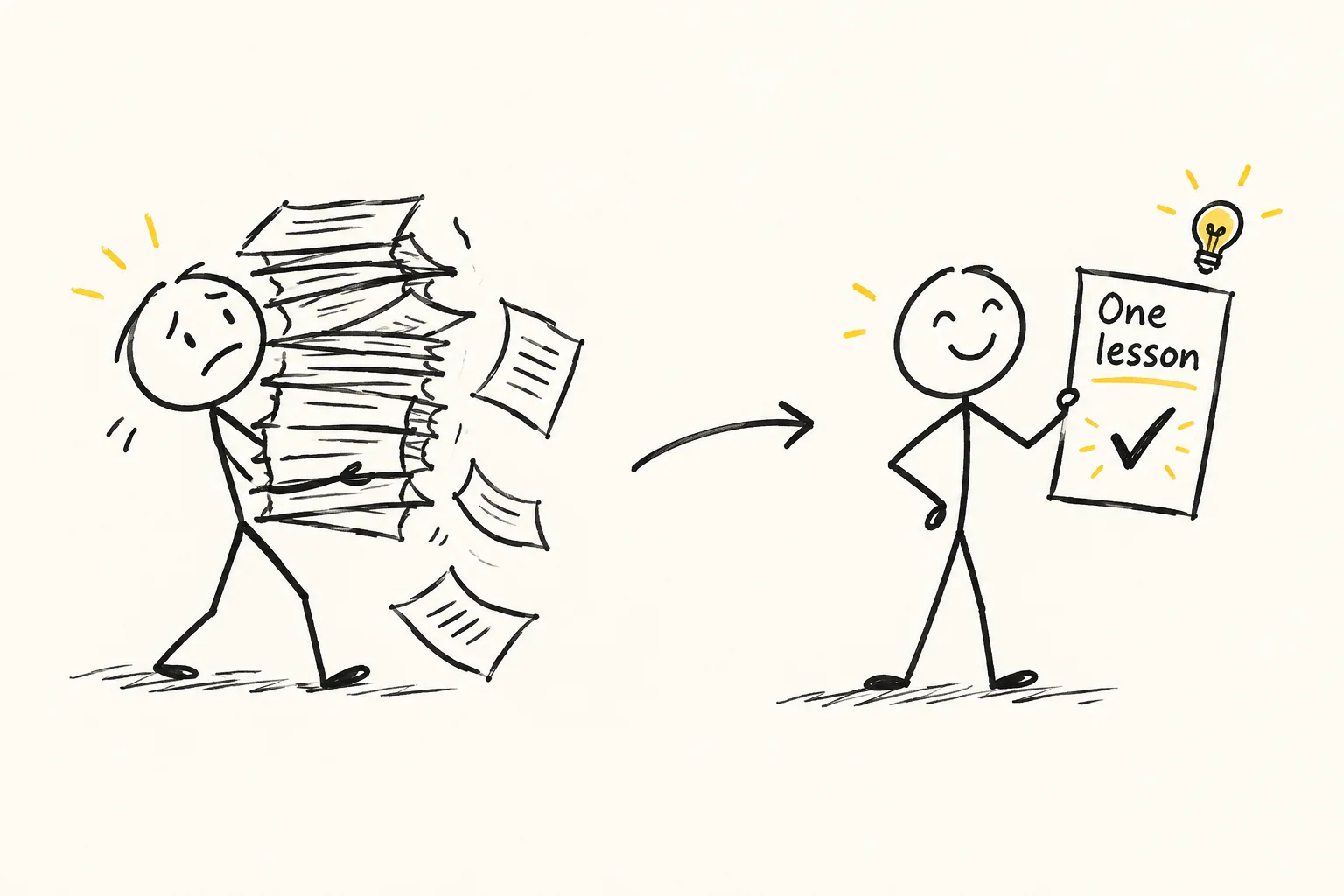
Before recording an online course, prepare one complete lesson: the learner’s task, explanation, worked example, exercise and review criteria. Record a pilot and check whether someone can perform the task using it. The trial helps refine the programme, choose the slides and estimate the production work.
I’m Ivan Zinovev, producer at iZi Media in Dubai. I help connect the content, the speaker’s delivery and what viewers see on screen. This guide covers the material needed before the studio, how to review a lesson and what to hand over to the team. The worked example concerns preparing a video editor’s brief. It illustrates the process and does not describe the results of a client’s course.
Start with what the learner should be able to do
“A lesson about editing” names a subject. Preparation needs clearer conditions: who is learning, what they already know and what task they should perform. For example, a junior producer will prepare an editing brief for the opening of an expert interview. It will identify the viewer’s question, the selected answer, an essential example and conditions that must survive shortening.
That gives you a basis for choosing material. The history of editing may be unnecessary for this task; examining a vague instruction such as “make it dynamic” is useful. Ask the expert how they would decide whether the learner’s work is acceptable. Use those criteria when writing the lesson and reviewing the exercise.
If the programme teaches a new profession or a complex subject, work through the learning sequence with an instructional designer and subject expert. The production plan should separately name who approves the learning tasks and content, who prepares the explanation for recording and who reviews the finished video.
Turn expert material into a lesson plan
Gather notes, presentations, talks, work examples and exercises. Mark their versions and permissions for use. Organise the material around learner tasks. One talk may contain several lessons; one lesson may need an extra explanation of a step the expert usually skips.
A working lesson card can record the learner’s starting level, the action after the lesson, the necessary explanation, a worked example and an independent exercise. Add the criteria for reviewing the answer. If an exercise needs knowledge taught later, change the sequence or revise the exercise.
Separately flag exact wording, quotations, figures and notation. These need approved sources. The expert confirms the content; the editor prepares it for speech. Do not quietly replace an important condition with a shorter phrase just because it is easier to say.
Prepare one lesson in detail
In our illustrative example, the learner already knows how to review a recording and leave comments. They now need to prepare the edit of an interview’s opening. We use a fictional passage: after an introduction, an expert explains that a finished video has waited a week for factual approval. Before another shoot, they would find out who has the material and which decision is outstanding.
Illustrative transcript: “Hello! I produce videos for companies. Today we’ll discuss regular content. Sometimes the team has already filmed an episode, but it waits a week for factual approval. In that situation, before another shoot I’d find out who has the material and which decision is missing. Unless we change the approval process, the next recording will add material to the same queue.”
What the instructor explains
The instructor opens the transcript and identifies the viewer’s question: “Why is the finished video still unpublished?” They highlight the expert’s answer and approval example. They suggest moving the introduction if it does not help explain the answer. The condition “waiting for factual approval” stays: without it, delaying another recording would sound like general advice against filming.
On screen, the learner can see the source of each part of the brief. The instructor shows the original passage, the chosen order and wording that requires clarification before shortening. A brief for this demonstration could read:
“Start with the question about the delayed video. Follow with the answer about factual approval and the example of waiting a week. Keep the condition under which the expert would postpone another recording. Review the introduction separately: is it needed to understand the opening? If the recording has no self-contained wording of the question, flag it for the producer. Do not construct a new meaning by joining individual words.”
What the learner does independently
Use a different fictional passage for the exercise: “Our company helps businesses with content. Everyone needs to publish regularly on social media now. When choosing topics for a first series, I begin by asking the sales team about recurring client questions. For example, if several buyers do not understand the difference between two service options, I would suggest an episode about how to choose. To prepare it, I need the actual questions and a specialist’s explanation of the differences.”
The learner’s task is to choose the viewer’s question, identify the first substantial answer, keep an example that explains it and write an instruction for the video editor. Supply the text or a recording cleared for use so that the learner works from specific material.
Check whether the question concerns choosing a topic, whether the recommendation’s reasoning survives and whether the editor knows what to do. Wording may vary. If the learner only writes “remove the waffle and make it dynamic”, ask them to identify particular passages and explain the order. See the video editor’s brief guide for more detail.
What to show on camera and on screen
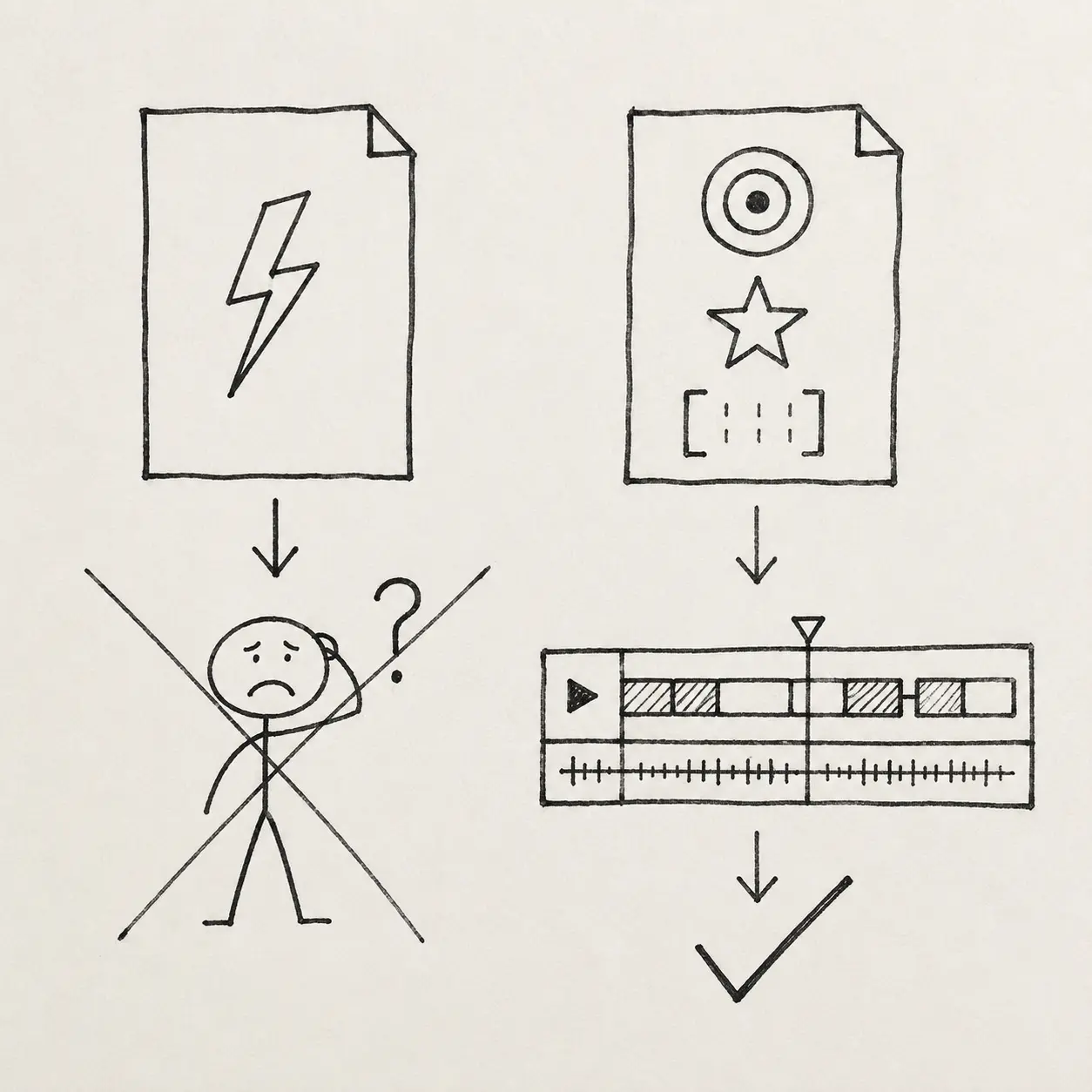
For this lesson, the answer’s text, highlights and example brief need screen space. The instructor’s face can help at the opening, when addressing the learner and when explaining a decision. A tiny transcript beside a large speaker window may be hard to read. Test the composition on the learner’s device before recording the series.
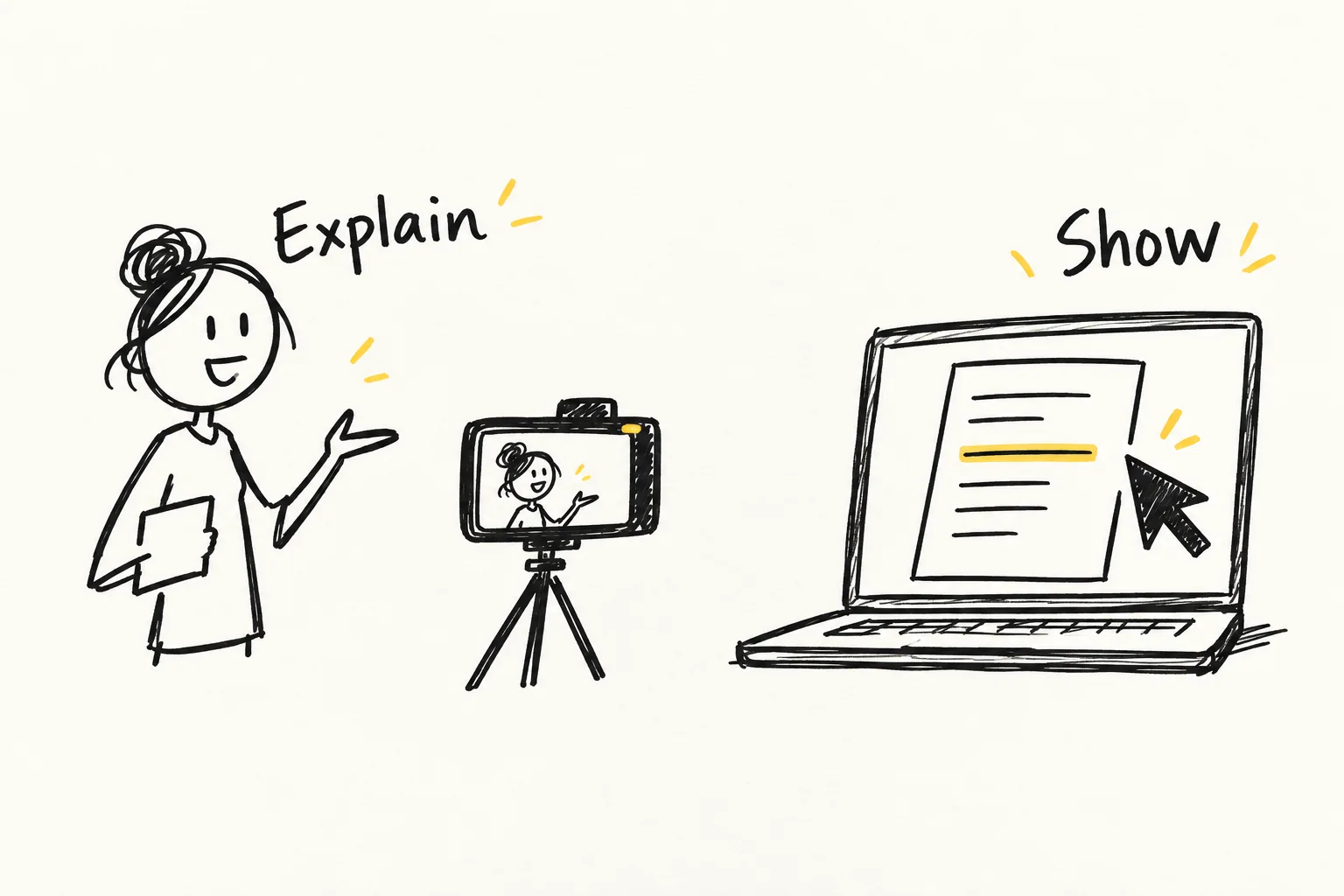
| Lesson section | What the learner sees | What to check before recording |
|---|---|---|
| Setting the task | The speaker and a short description of the intended action | Is it clear what the learner will practise? |
| Reviewing source material | The text with the relevant passage highlighted | Is it readable and does the highlight match the explanation? |
| Showing an action | A screen recording or close view of the work | Can the learner see the complete necessary step? |
| Independent exercise | The instruction and accessible source material | Is there enough information to begin? |
Keep on the slides what the explanation relies on. The speaker’s full script can be separate. Check example numbers, highlights, captions and any element that changes an exercise’s meaning before recording. If screen and speaker are recorded separately, mark which screen belongs with each passage.
Prepare the delivery
Ask the expert to explain the example aloud. Revise the sequence where they have to backtrack. When they say “here”, check that the learner will actually see the relevant detail. Prepare a script for exact wording; use talking points and producer questions for experience-based explanations.
The speaker does not have to memorise the whole lesson. Divide it into complete sections and mark transitions: what is being explained, what is being shown and when the learner receives an exercise. When stopping and repeating, note which passage the new take replaces. The camera preparation guide covers teleprompters, interviews and rehearsal.

Review a complete pilot lesson
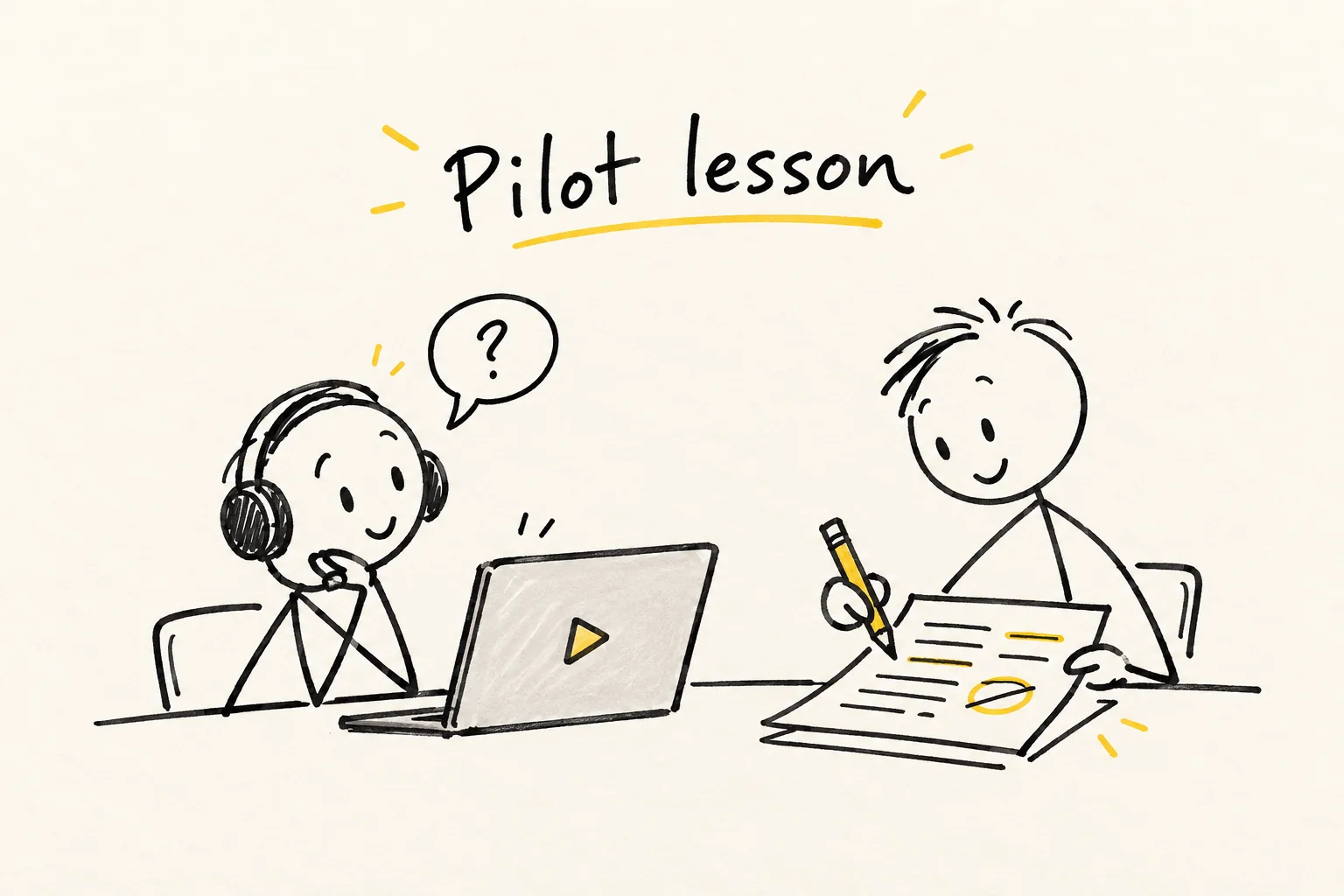
Record a representative lesson with delivery, slides, demonstration and an exercise. Assemble it so someone can work through it. A polished opening alone does not test the transition from explanation to independent work.
Ask someone close to the intended starting level to watch and complete the exercise. Let them work independently first. Note where they need help, which source file is inaccessible and which words they understand differently. Afterwards, discuss their actions and review the result against the agreed criteria.
This trial can expose difficulties in a particular lesson. It does not establish the effectiveness of the entire programme. If the person succeeds through prior experience, try the material with someone at the intended starting level. If an error recurs at one step, revise the explanation, example or exercise instruction and repeat that part of the check.
Organise the recording of several lessons
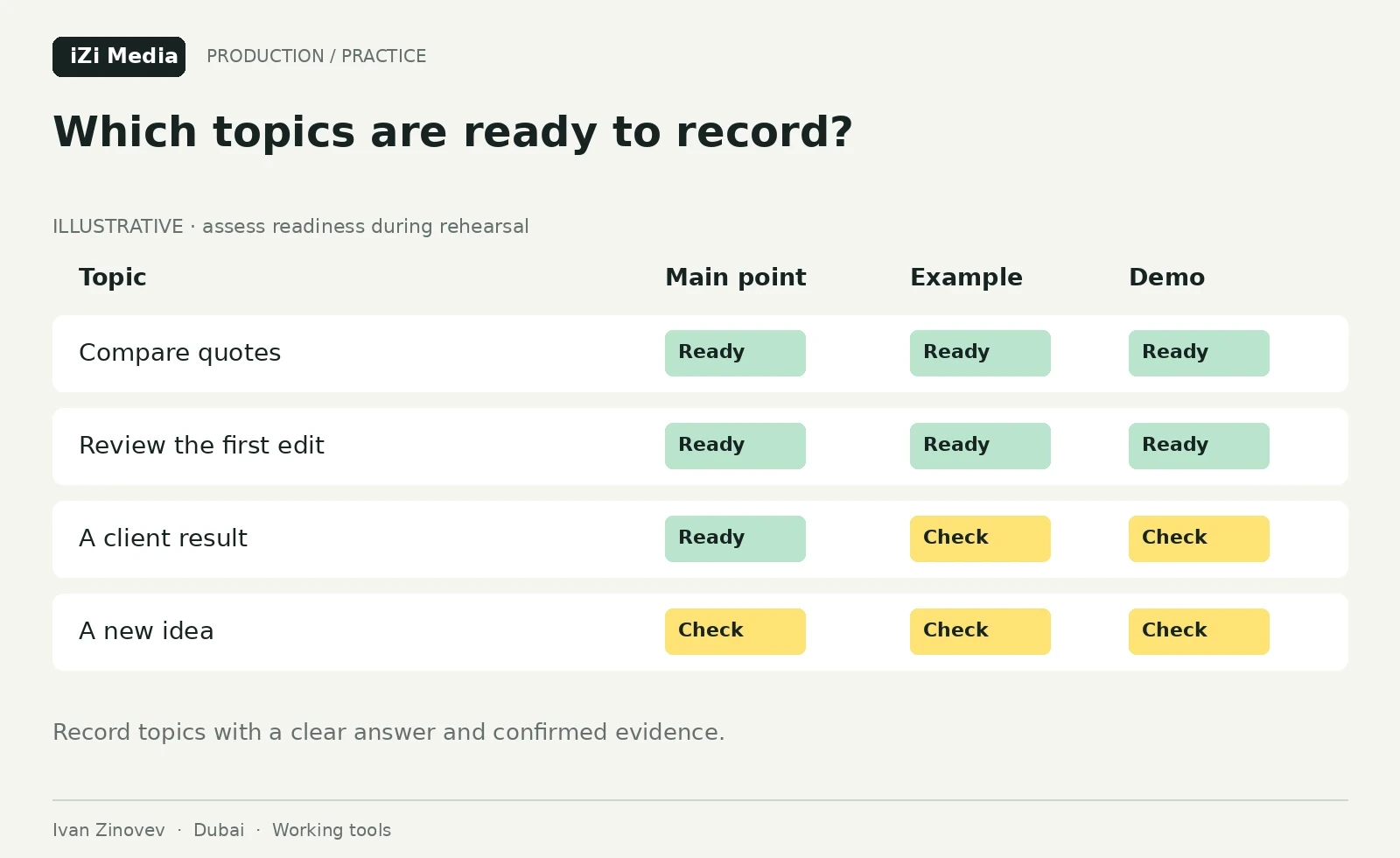
After the pilot, agree the working presentation style and recording method. List lessons with their readiness: content approved, materials checked, delivery rehearsed and demonstration prepared. Schedule lessons whose necessary material is ready.
Grouping by setup can help: the same speaker frame, table demonstrations or screen recordings. Keep each passage’s lesson number and script version. Mark takes verbally or with a clap, agree how sound and picture will be synchronised and check a trial file before continuing.
Allow for breaks, difficult demonstrations and repeating important wording. Choose the number of lessons per day using the trial recording and the expert’s actual workload. See the filming-day guide for organising several recordings. In Dubai, agree the location, access time, participants and recording conditions in advance.
Divide the team’s responsibilities
Record who approves each type of decision. One person may combine roles in a small team, but the editorial lead and video editor still need a named decision-maker. Questions about the accuracy of an example should reach the subject expert before final assembly.
| Role | Responsibility | Handover |
|---|---|---|
| Expert and instructional designer | Content, learning task and answer review | Approved material and exercise criteria |
| Producer and editorial lead | Recording plan, delivery and approvals | Checked script and demonstration order |
| Designer | Slide readability and accurate presentation | The correct slide version and editable source files |
| Recording team | Picture, sound and demonstration recordings | Checked files and take notes |
| Video editor and publishing lead | Assembly against the script and final file review | A review lesson, then the approved version |
My educational presentation case study covers checking text against source files, presentation rules, editable slides and example review. It demonstrates how material preparation was organised. It does not report learning outcomes or confirm completion of the entire course; neither can be inferred from it.
What to hand over with the script
For each lesson, gather the approved script, slides of the same version, demonstration source files, exercise instruction and review criteria. Separately flag correct spellings, exact wording, permissions and passages whose shortening needs expert approval.
Add a file list, selected takes, recording notes and final video requirements. The editor needs to know where the relevant screen recording is and who answers content questions. Reviewers need to know which script version is approved. Keep the final file with its sources and a history of substantive corrections after approval.
When handing over to the learning platform, check playback, exercise file access, lesson order, screen readability and sound. Confirm resolution, file format and caption requirements with the platform owner before export.
Questions before booking the recording
Can I bring a finished presentation?
Yes. Before the studio, check what the learner should be able to do, which slides the expert will explain and where a demonstration is needed. A presentation can provide the script’s basis; a finished deck alone does not establish that the lesson is ready to record.
How long should a lesson be?
Start with one complete learning task. Use the trial to find explanations that drag and steps that are missing. Agree the length around the content and learning conditions; one fixed duration is awkward across different subjects.
Who checks the material’s accuracy?
The named subject expert approves the content. An instructional designer helps check the learning task and exercise; the editorial lead reviews clarity; the production team checks the recording against approved material. Agree the roles before starting.
Can AI help prepare the script?
AI can suggest a structure from your material, find repetition and list questions about an unclear step. Retain source references and verify every example and condition. The subject expert should confirm that shortening has preserved the meaning.
To commission course recording in Dubai, send the programme, one lesson or presentation, and the intended audience. Identify the platform, who approves the content and which files are required. We can start with a pilot lesson: discuss preparation and recording. If employees will make materials themselves, see team training in content and AI.