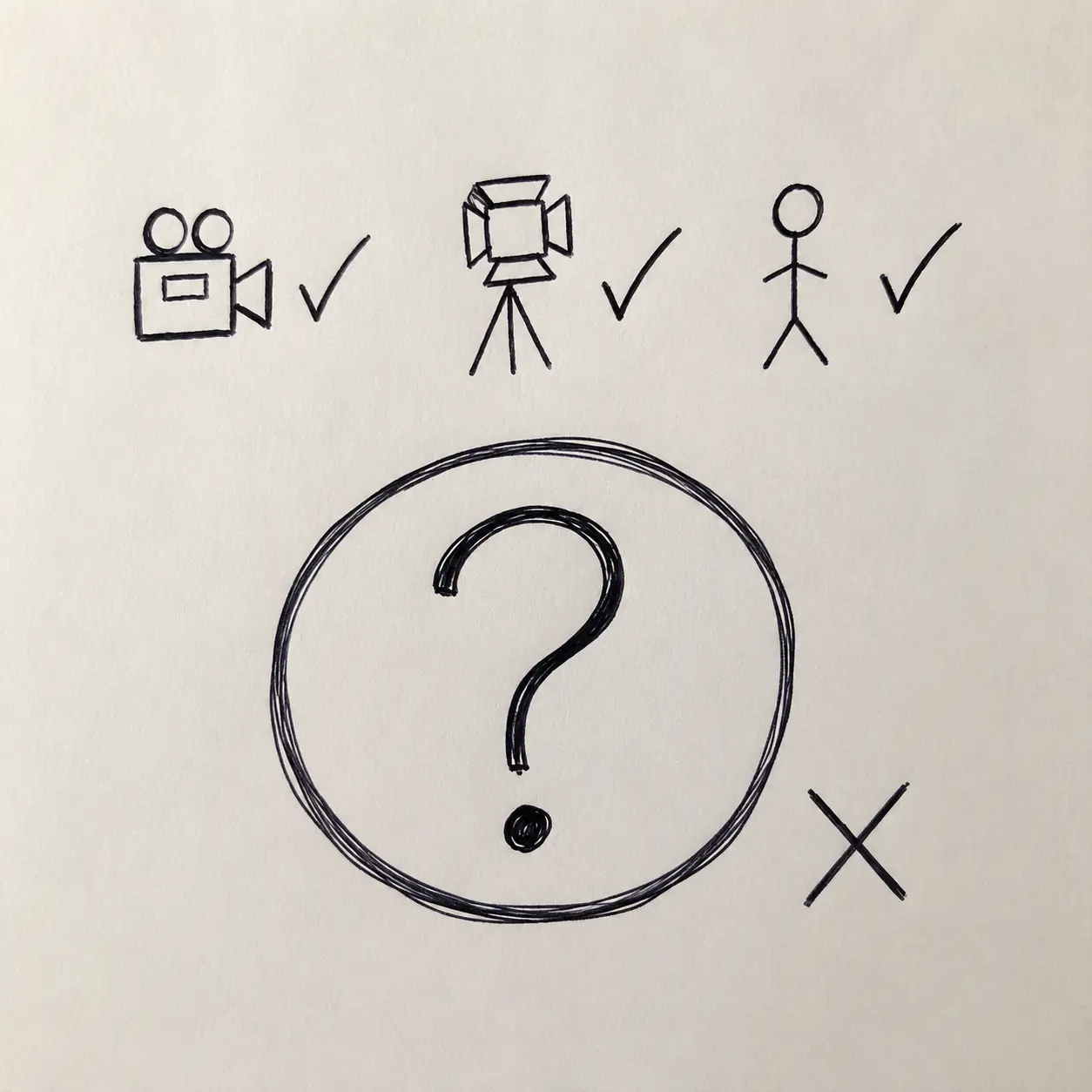
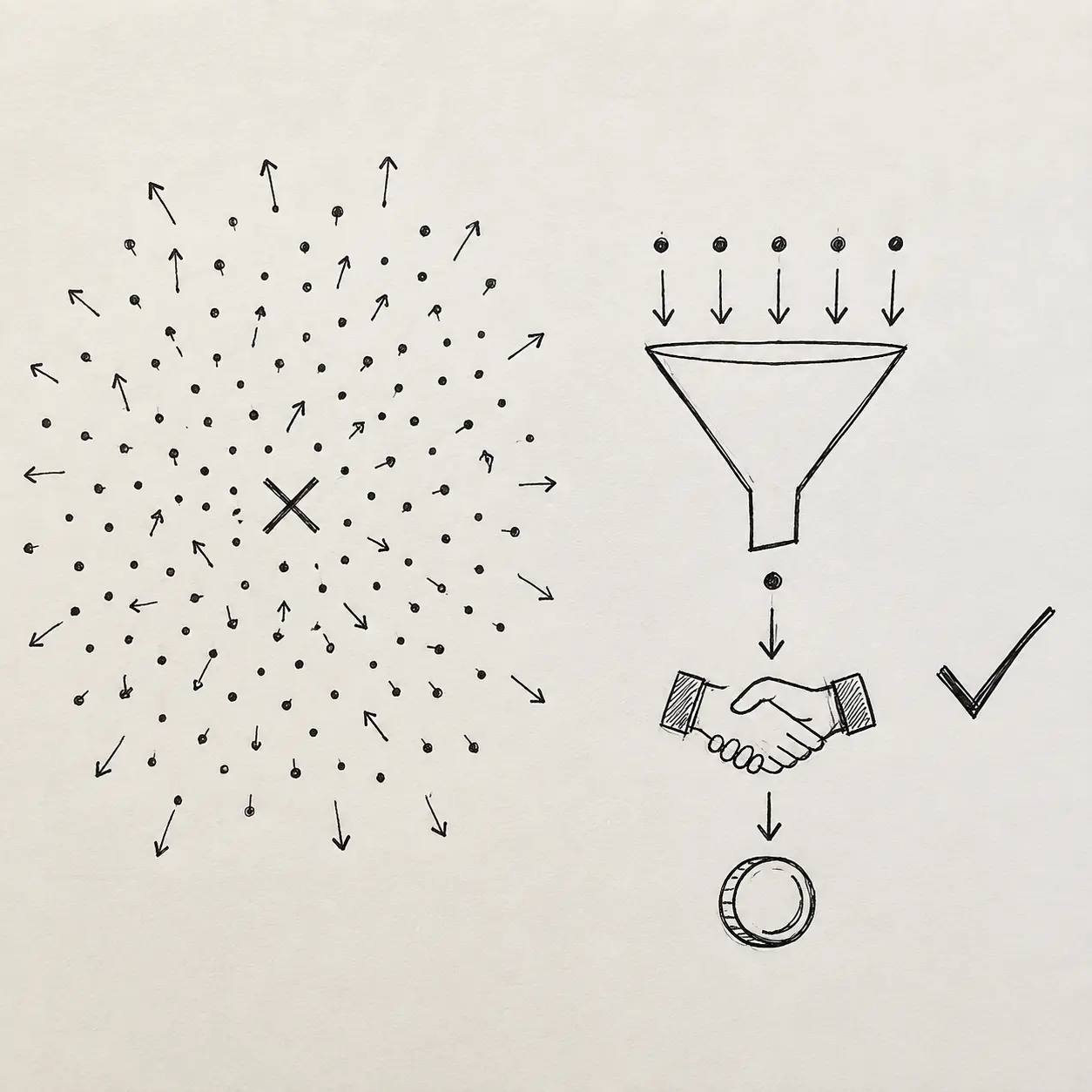
Decide the title and thumbnail before the final script
The title and thumbnail explain why someone should watch. If that question is first considered after editing, the footage may not support the answer.
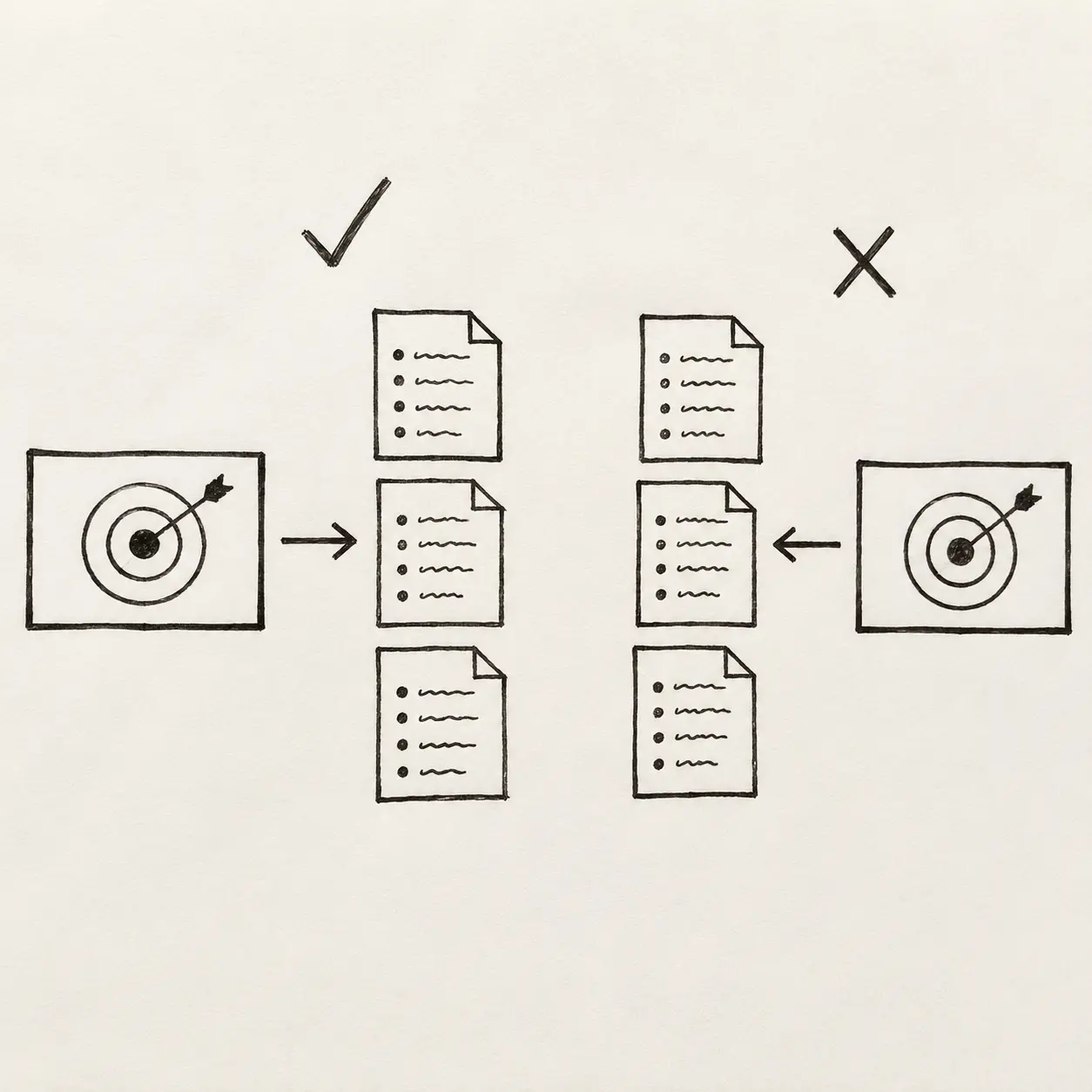
The usual order feels sensible: choose a topic, write, shoot, edit, then create the title and thumbnail. The problem appears at the final stage, when the team tries for the first time to explain why someone should click on the video.
A title developed after editing needs to be checked against the footage. For example, the thumbnail might promise a specific explanation while the opening spends minutes on general context. Or the title might address one audience while the episode tries to serve three.
A more useful order
- Choose one segment and one situation.
- State the understanding or result being promised.
- Develop several title and thumbnail options.
- Decide which proof the viewer needs first.
- Build the final script around the same question.
The script should answer the same question as the title and thumbnail. If we promise to explain a hiring mistake, we should start with that mistake, not a long introduction to the company.
Packaging can still be tested after publication. YouTube explains that changing a title or thumbnail affects performance through new viewer behaviour, rather than through the change alone. A useful test therefore changes a clear promise and compares how the intended audience responds.
Before approving the script, place the title, thumbnail and first 30 seconds side by side. The same video should be recognisable in all three.